7 Days to Die: Inventory Search and Drone Recovery
Find supplies faster with inventory search and recover missing drones through traders. See what's changed and how to prepare your server.

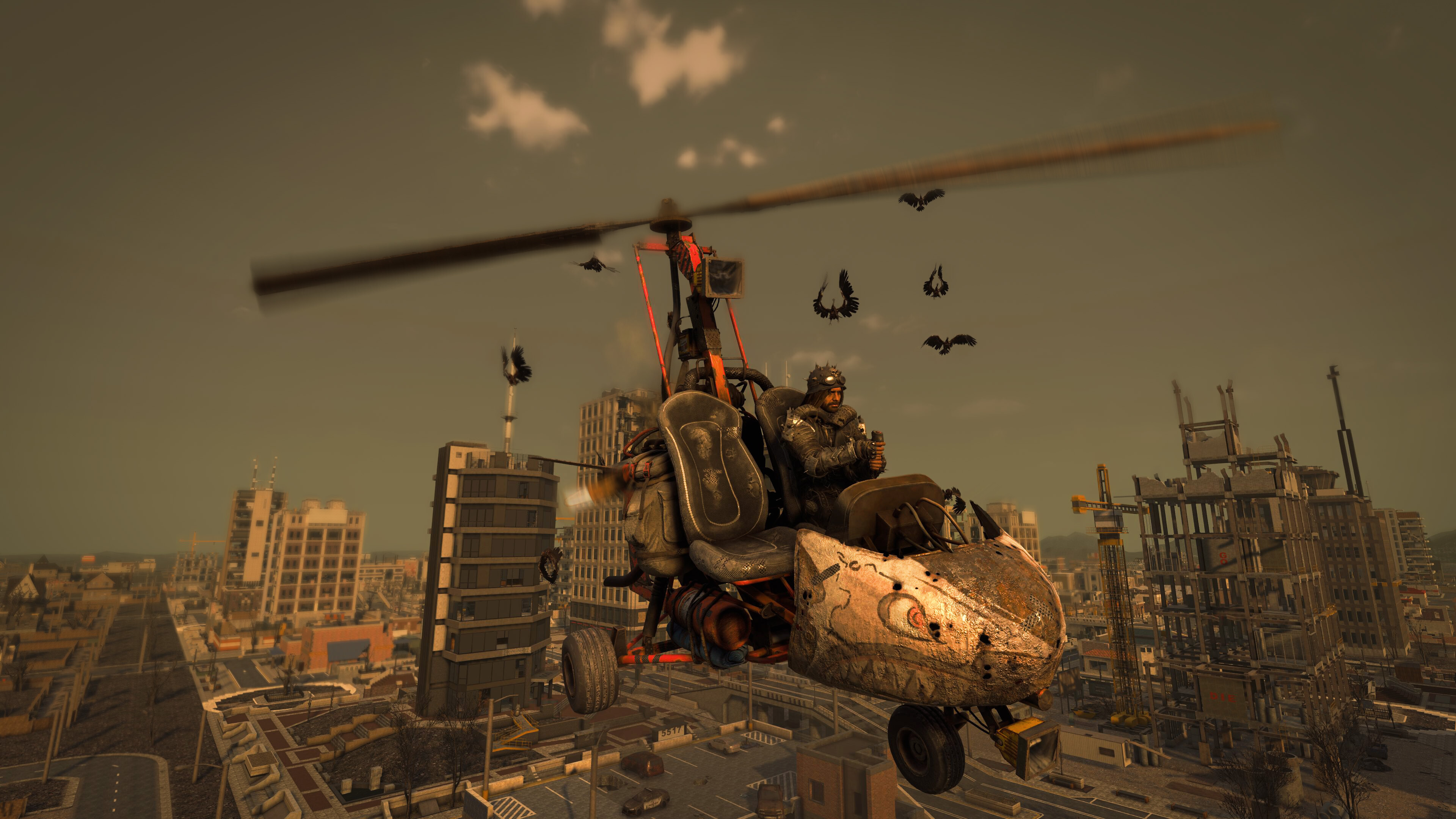
Inventory search and drone recovery arrived in 7 Days to Die on October 26, 2026. The update concentrates on everyday inventory use, with a couple of changes that should be especially useful to groups managing a busy shared base.
Inventory search and lost drones
The official release notes add name searches and category filters to backpacks and containers. Traders can also recover a drone that is missing or stuck.
Other fixes cover vehicle inventory scrolling, shift-click transfers to zombie bags and airdrops, selling the tenth hotbar item and sharing older quests.
For a group with crowded storage, we would still agree on a simple organization system. Search helps someone find an item, but it does not tell the next player which container the group expects it to be returned to. A short set of labels can save a lot of repeated questions between runs.
The b9 multiplayer hotfix
The Stable announcement was subsequently updated with b9, which addresses multiplayer crashes and locked inventory slots resetting. Check the full build when comparing the server with a player's client.
Check inventories when moving from 3.3
The developer notes a one-time indexing issue: some resources carried by a 3.3 character may turn into different items when joining a dedicated or peer-hosted session on 3.4 b6 or later.
For that reason, our recommendation is to preserve both world and player data before the move. Ask a few regular players to record important inventory contents and join during the test window. If an item changes, record the old item, the new item and the versions involved before making further changes.
Keep the original backup intact while investigating. Repeatedly loading and saving the only copy of a world makes it harder to compare what happened.
Schedule maintenance around your players
Choose a quiet time and avoid combining the update with changes to your mod list or difficulty settings. Afterward, check a shared container, a vehicle inventory and a quest with a normal player account. Let the group know when those checks are complete.
Our 7 Days to Die server hosting page lists the available plans. If you are preparing a new run, agree on the world and rules first, then choose the resources for your expected players and mods.