Project Zomboid: Ladders, Crowbars and Multiplayer Fixes
Climb ladders, force locked doors with a crowbar and explore the multiplayer fixes. Here's what to check before updating your Project Zomboid server.

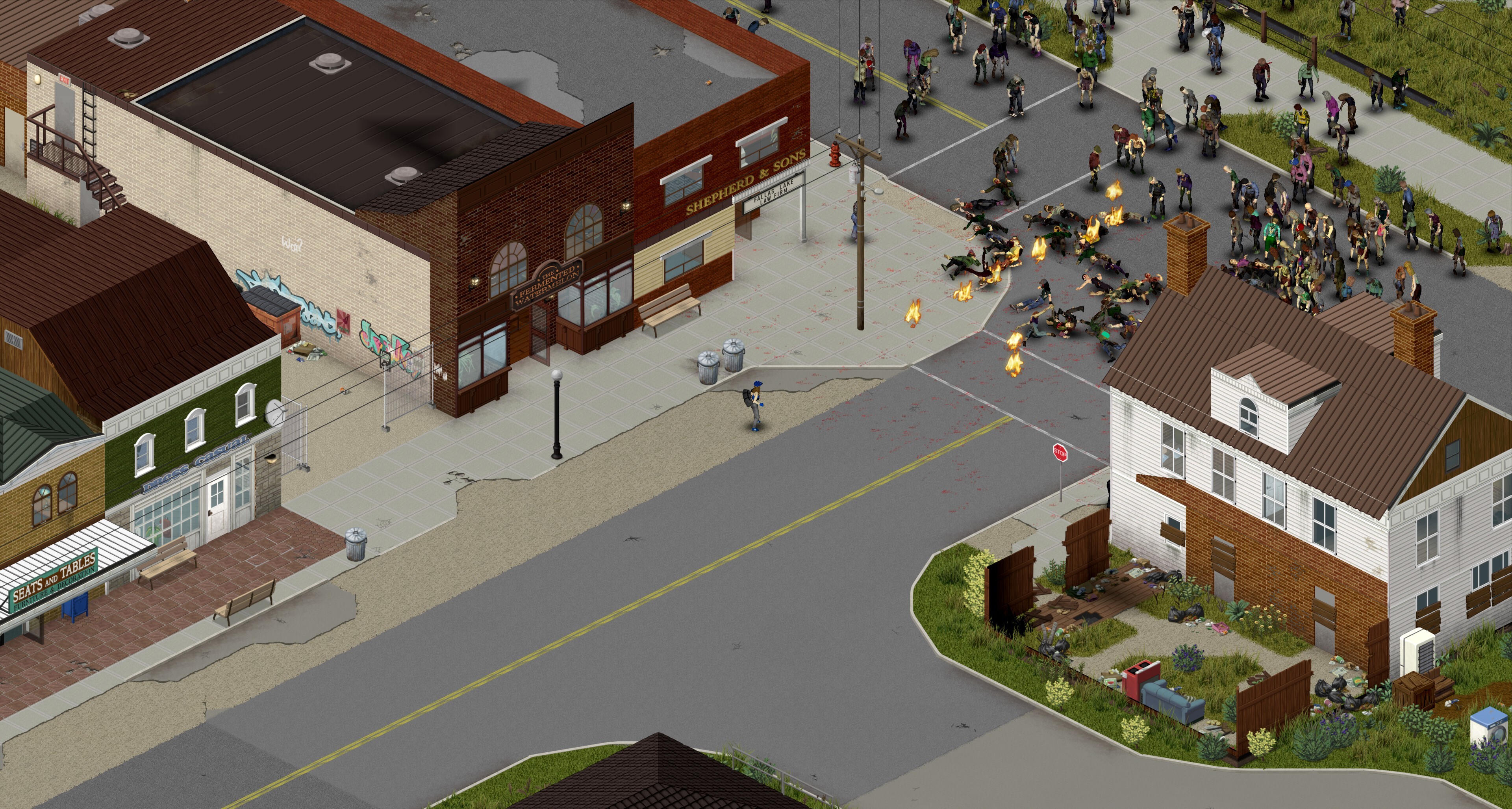
Ladders and crowbar forced entry joined Project Zomboid's Stable branch on November 9, 2026. For a multiplayer community, the fixes to damage handling, towing and server hangs are worth checking alongside the new ways to explore buildings.
New ways to explore and multiplayer fixes
The official changelog includes:
- Ladders and forced entry: Climb ladders and use a crowbar on locked doors or windows.
- Server-side damage calculations, plus a fix for duplicated player characters at chunk boundaries.
- Faster server backups and repairs to trailer and towing synchronization.
- Fixes for several dedicated-server freezes, disappearing vehicles and animal persistence problems.
Our recommendation is to test the parts your group actually uses. If players regularly tow loaded trailers between bases, make that part of your first session after the update. A successful login alone does not tell you whether your particular world and mod combination are ready for a busy evening.
Can you keep your existing world?
The Stable announcement says unmodded saves should continue through the conversion prompt, which creates an automatic backup. Mods need separate compatibility checks. A temporary 42.21 branch is available for players waiting on updates to their mods.
For a dedicated server, we recommend keeping an independent copy of the world, configuration and mod list before changing versions. The client conversion backup should not be your only recovery plan for a community server.
Updating a community server
Set a maintenance window and tell players which branch they should use. Stop the server cleanly, preserve the existing files, then update the server and check your mods before reopening it.
Join with a normal player account as well as your admin account. Check character loading, a familiar base, vehicles and a few modded items. Watch the log during those checks. If something breaks, having the previous configuration and mod list together makes it much easier to identify what changed.
Avoid changing gameplay settings during the same maintenance window unless you need to. Keeping those changes separate makes player reports easier to act on.
Start your next survival run
Looking for a shared home for your group? Our Project Zomboid server hosting page has the available plans and configuration options. Choose resources around your active players and mod list, then agree on the version everyone will use before starting the world.