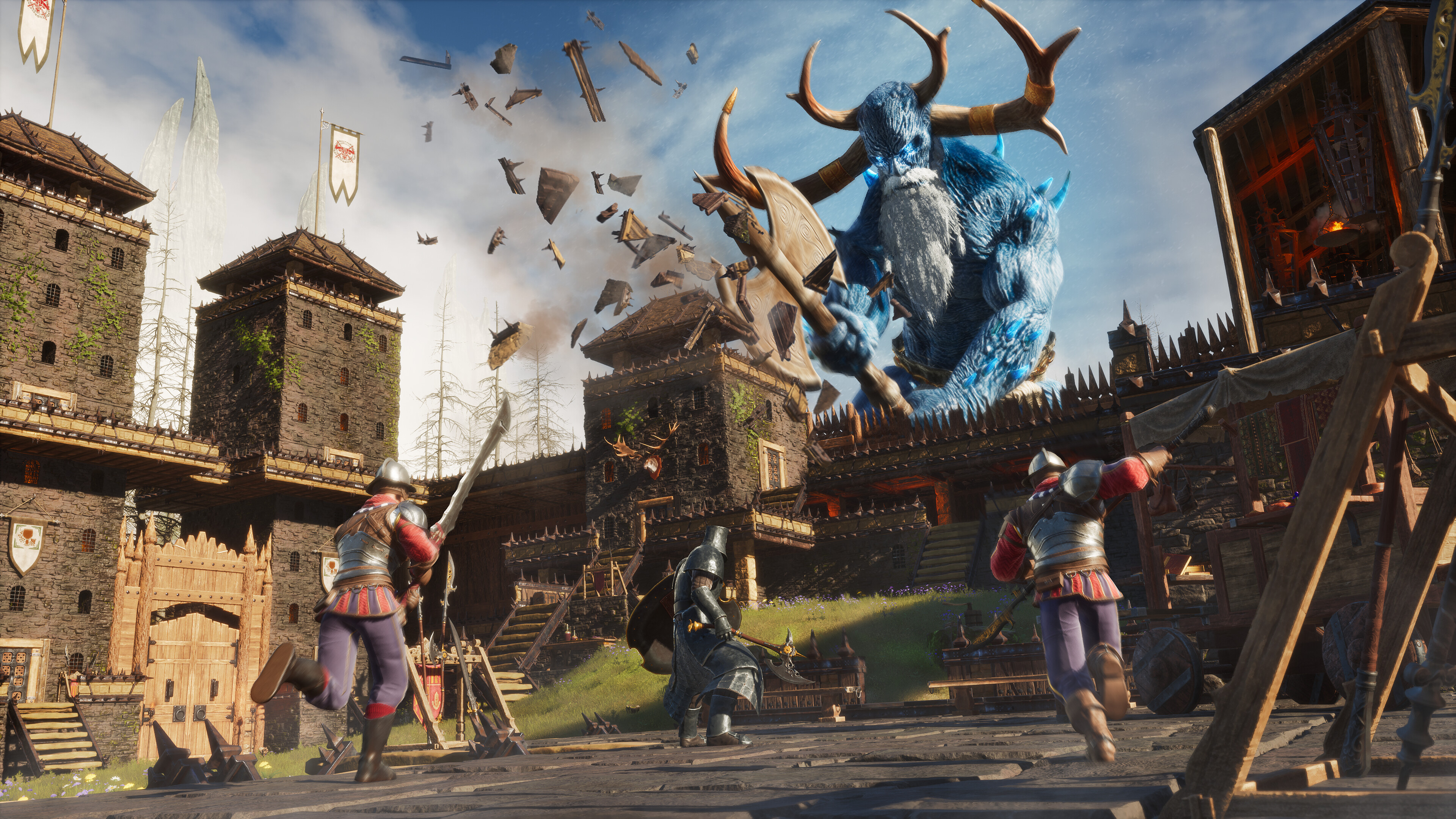
SCUM: Controller Support and Proton Multiplayer
SCUM's November update adds controller support, Proton multiplayer and new tattoo options. Here's what changes for players and server owners.

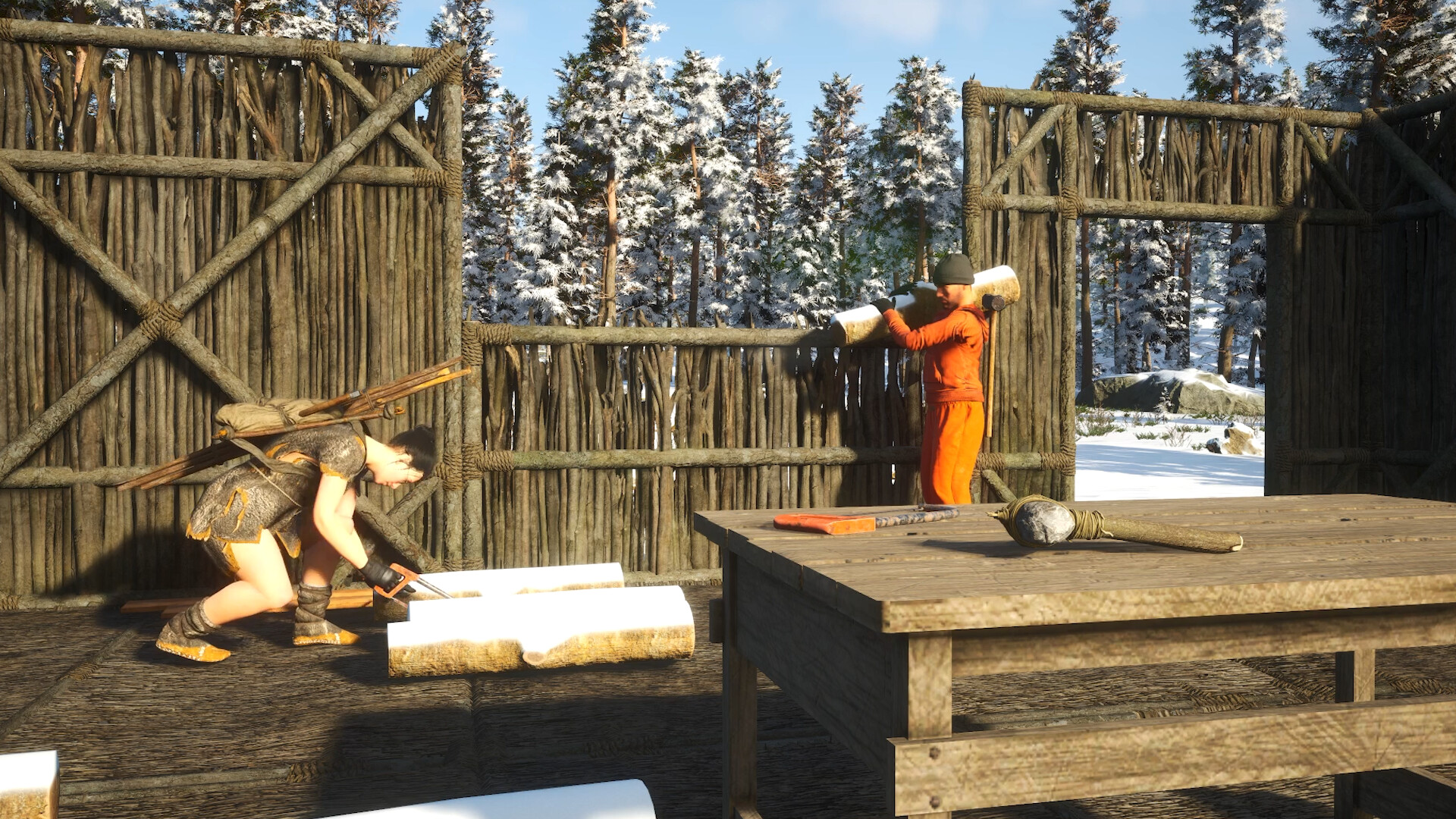
Controller support and Proton multiplayer arrived in SCUM on November 11, 2026. The November Update gives more players a way to join their friends and brings new customization options for existing prisoners.
The main additions
The official November announcement covers four headline changes:
- Controller support, including radial menus for additional actions.
- Proton multiplayer support for Linux players, including Steam Deck.
- More than 60 tattoo designs, with safe-zone barbers able to change an existing prisoner's tattoos.
- Photo Mode for everyone, instead of restricting it to the supporter offering.
For a community inviting returning players, our advice is to give controller and handheld users a quiet first session to check their controls. Driving, inventory management and combat are better tested before everyone heads out on a long run.
Does this update wipe the server?
The developers explicitly say this update does not include a wipe. Their statement about no further planned wipes in 2026 applies to official servers. A private community can still have its own reset schedule, so publish that schedule separately from the game patch announcement.
November 12 hotfix: vehicle changes rolled back
The next day's 1.3.6.1.177547 hotfix reverted the new vehicle network prediction after movement and physics problems. Some older collision issues remain under investigation. It also corrected Steam's default controller template.
That makes a vehicle check worthwhile after updating. Test a familiar route with an expendable vehicle before sending a convoy loaded with supplies across the map. If players report a problem, ask for the location, vehicle type, time and a short clip so you can separate a repeatable game issue from a connection problem.
Preparing your community
We recommend keeping a backup of the save and configuration before maintenance, then checking that players and the server are on compatible builds. Rejoin after the update, test controls and confirm that the community's settings are still what you intended.
Keep the player announcement short: the maintenance time, whether your community is resetting, and when people can reconnect. Those are the details players need first.
You can find our available configurations on the SCUM server hosting page. Choose the capacity and location for your group, then set out the server rules before inviting players in.