


HUMANITZ SERVER HOSTING
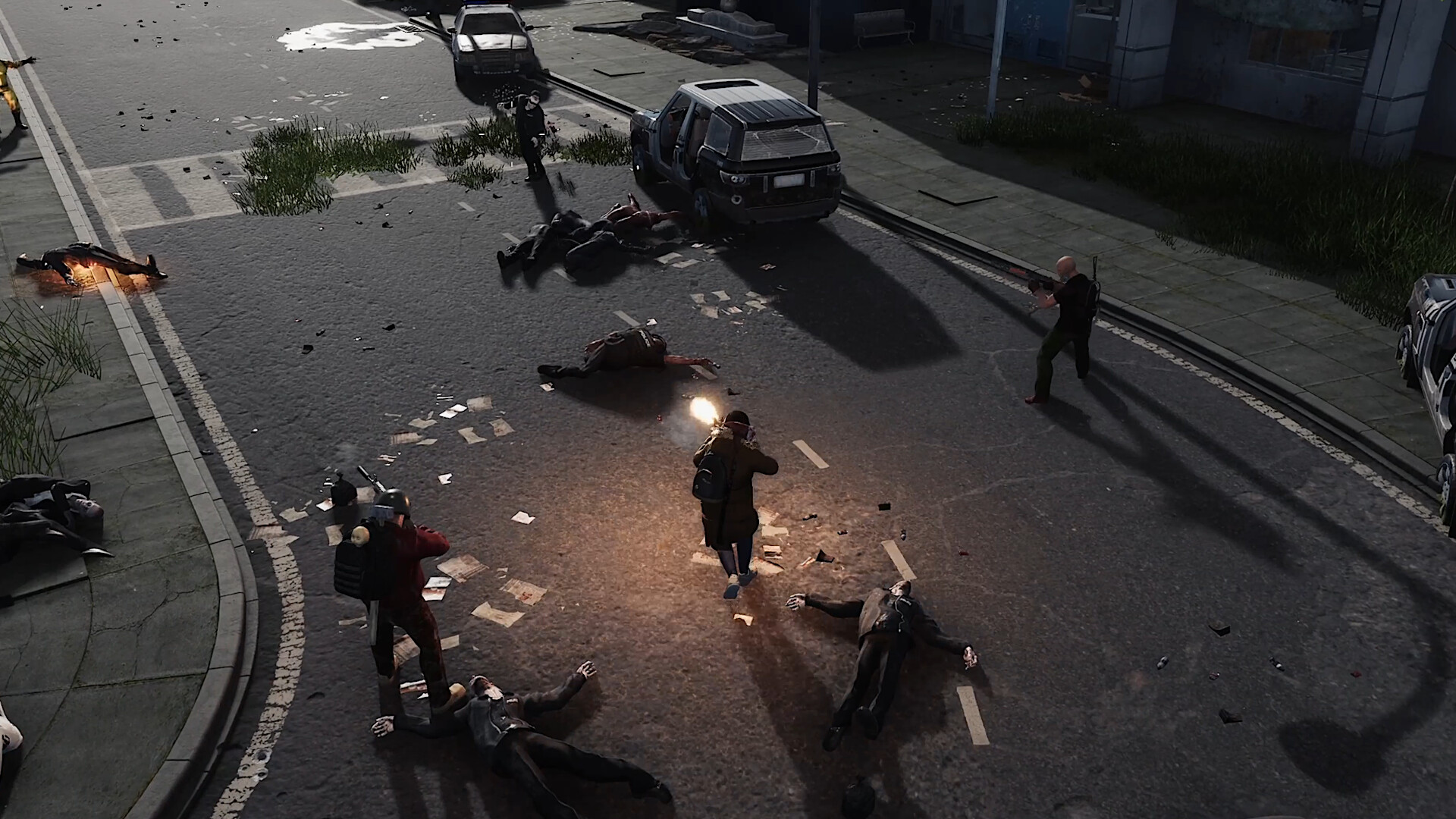
Scavenge abandoned towns, fortify a base and survive the zeeks with friends. Host your own HumanitZ world in Dallas or Ashburn.
- Persistent HumanitZ World
- Co-op, PvE and PvP
- Up to 18 GB RAM
- 1OF1Shield DDoS Protection
- 10 Gbps network
Installation starts after checkout and usually takes a few minutes.
How setup works
> Persistent HumanitZ World
Keep your world online so friends can play and build even when you’re offline.
> Co-op, PvE and PvP
Band together against the infected in PvE or enable PvP for a competitive survival server.
> Up to 18 GB RAM
Start with 6 GB of RAM or choose 12 GB or 18 GB for more headroom as your world grows.
> 1OF1Shield DDoS Protection
Game-specific traffic filters help keep your server reachable during DDoS attacks.
> 10 Gbps Network
Every server comes with a 10 Gbps network port and unlimited fair-use traffic.
> Priority CPU Options
Choose High or Real Time CPU priority to give a busy server more processing headroom.
WHY CHOOSE OUR GAME PANEL?
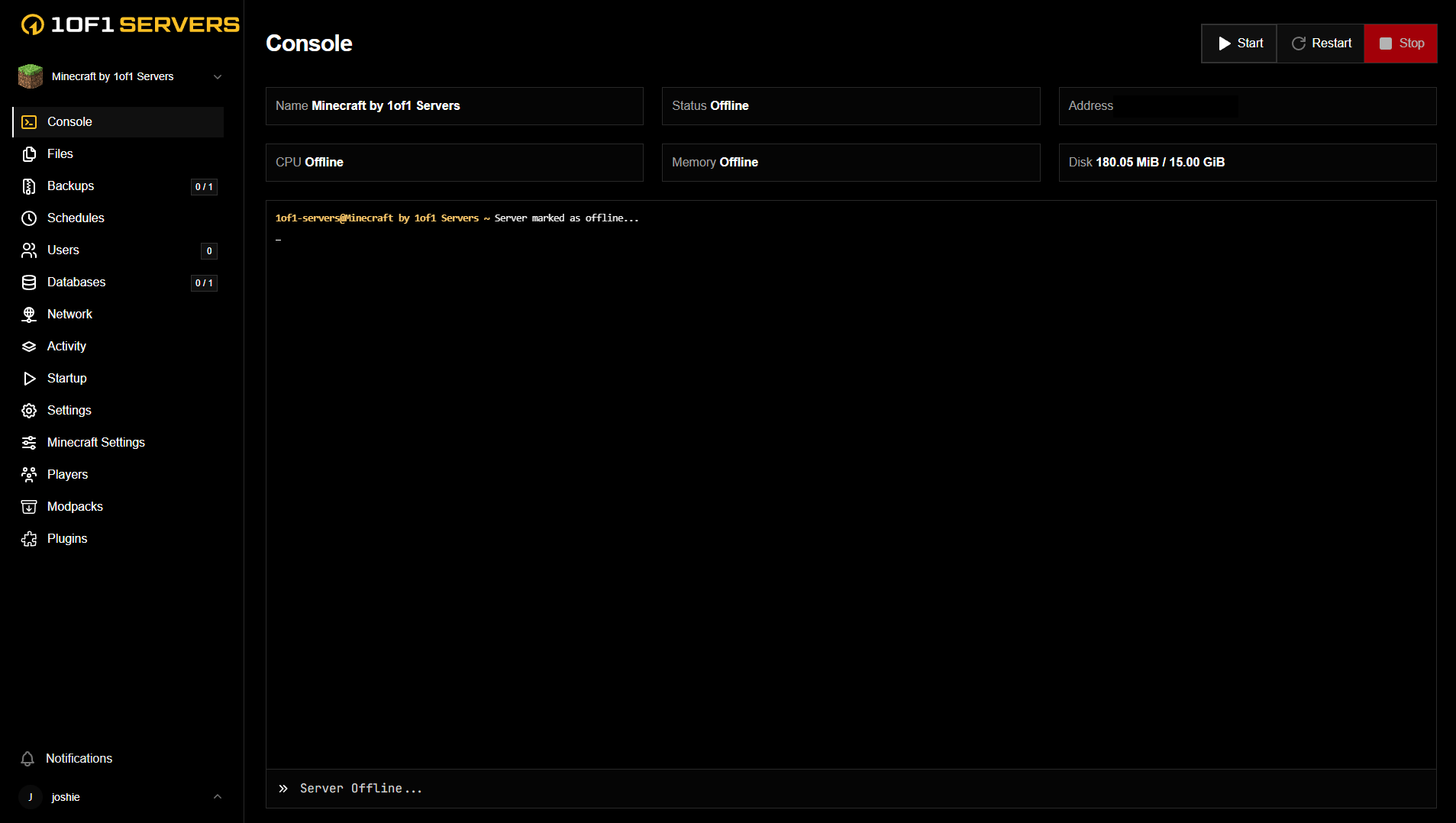
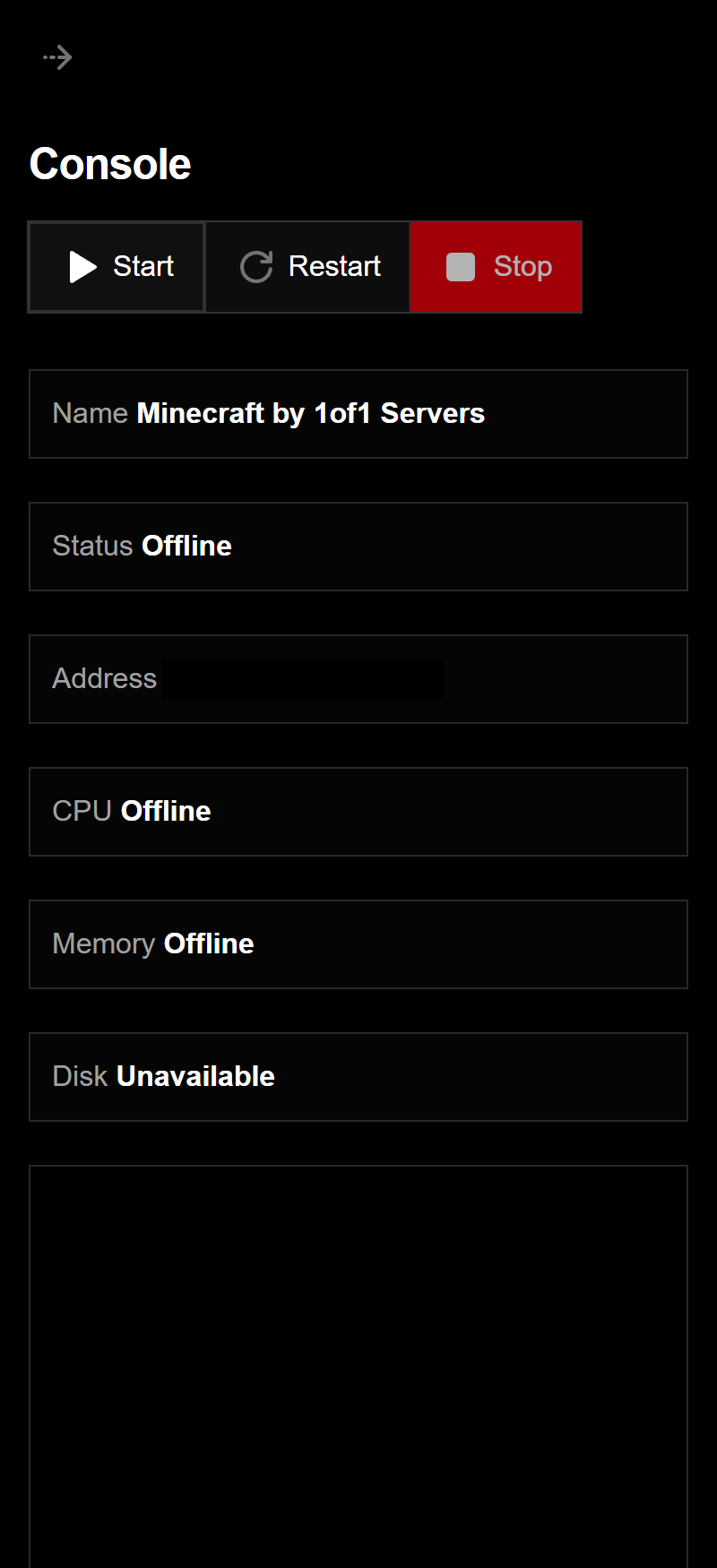
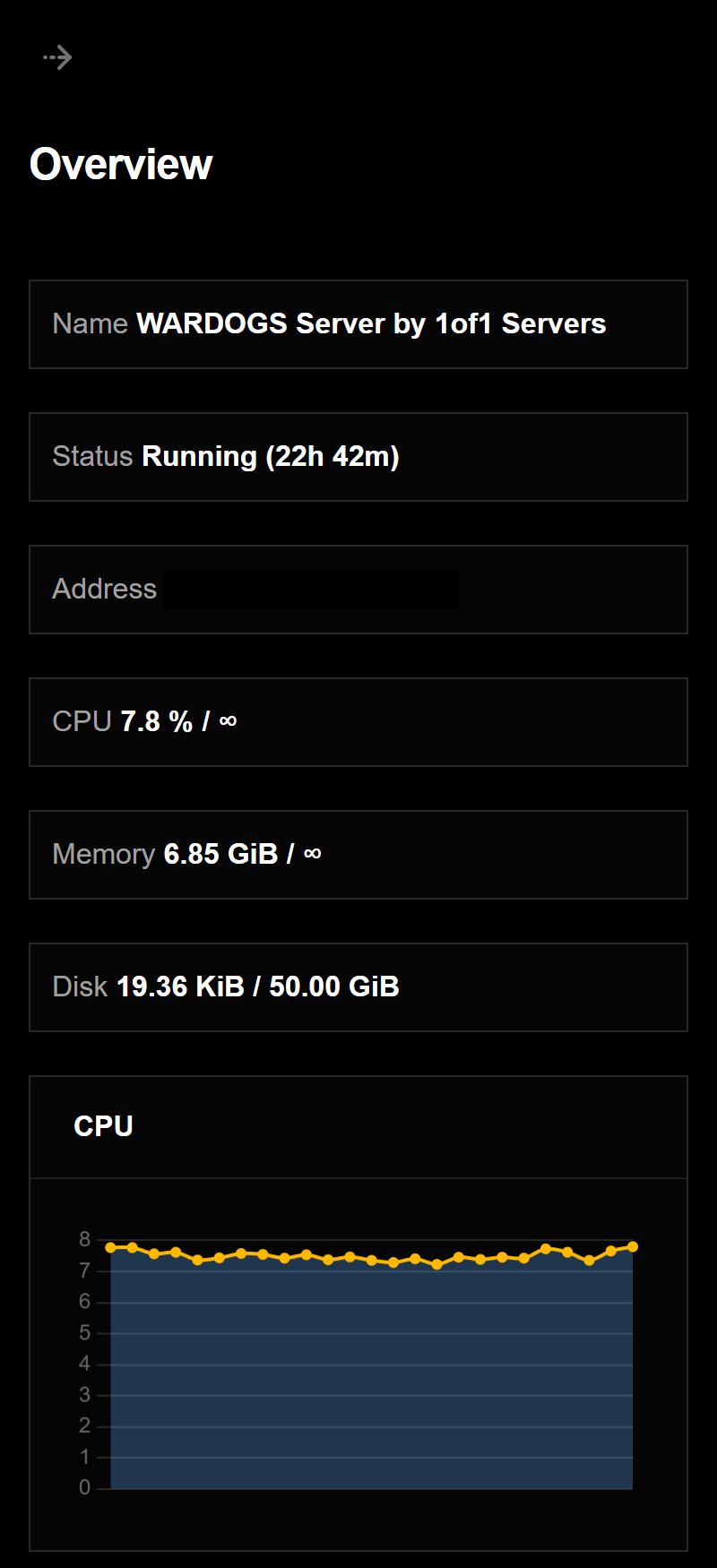
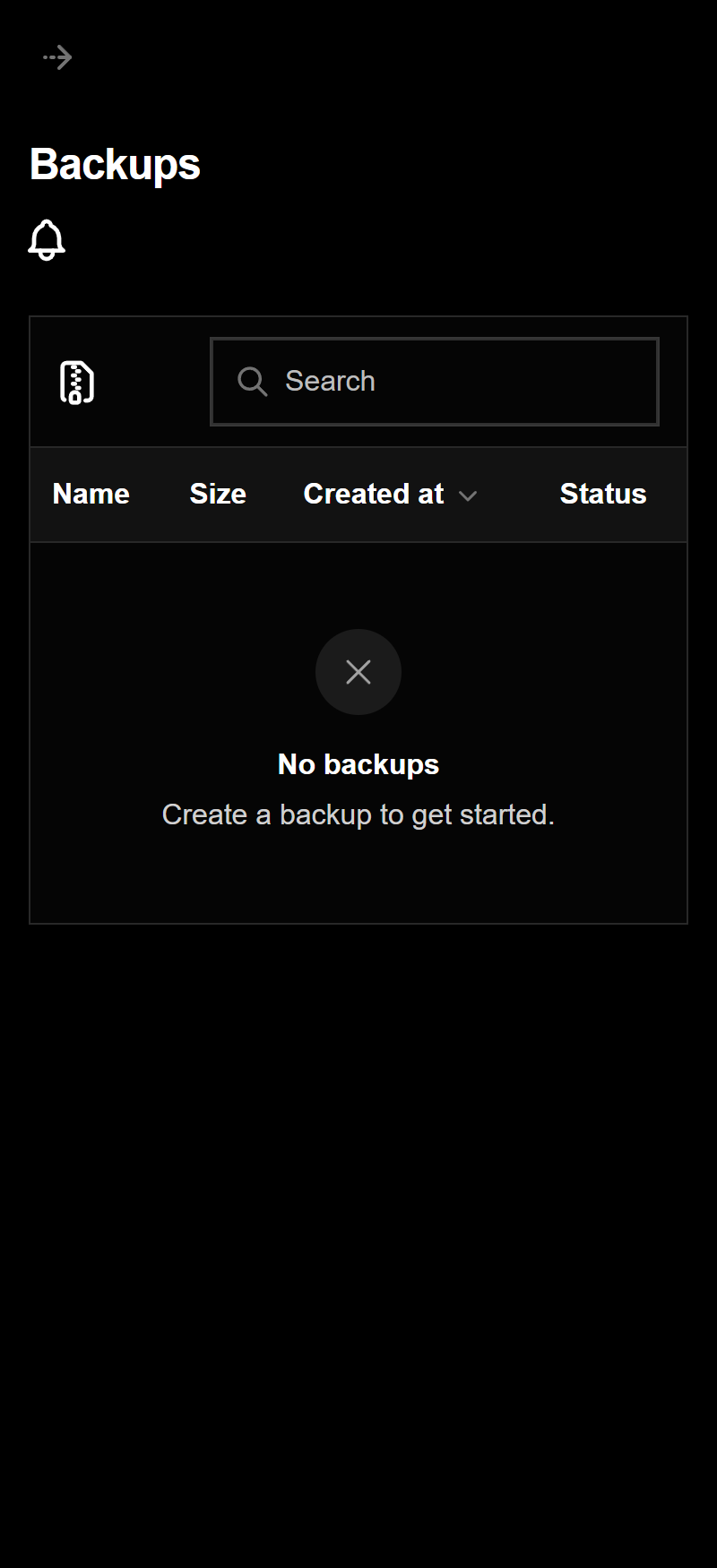
Every server comes with our custom game panel, built to manage your server from your browser, on desktop or mobile.
Our custom game panel puts your whole server in one place, so you can run it without touching config files by hand.
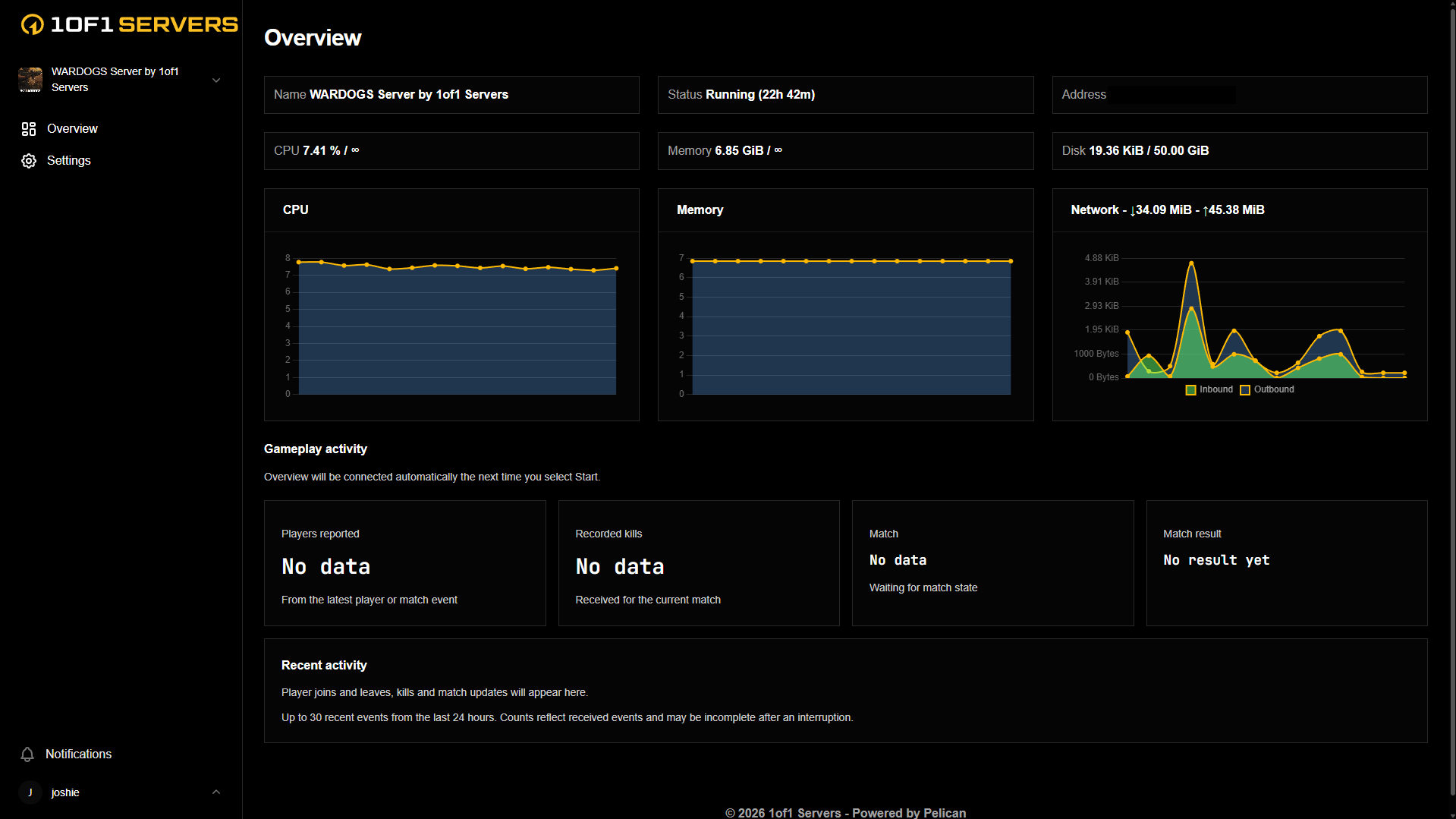
See your server status, CPU, memory, disk and network usage at a glance, along with live activity from your game.
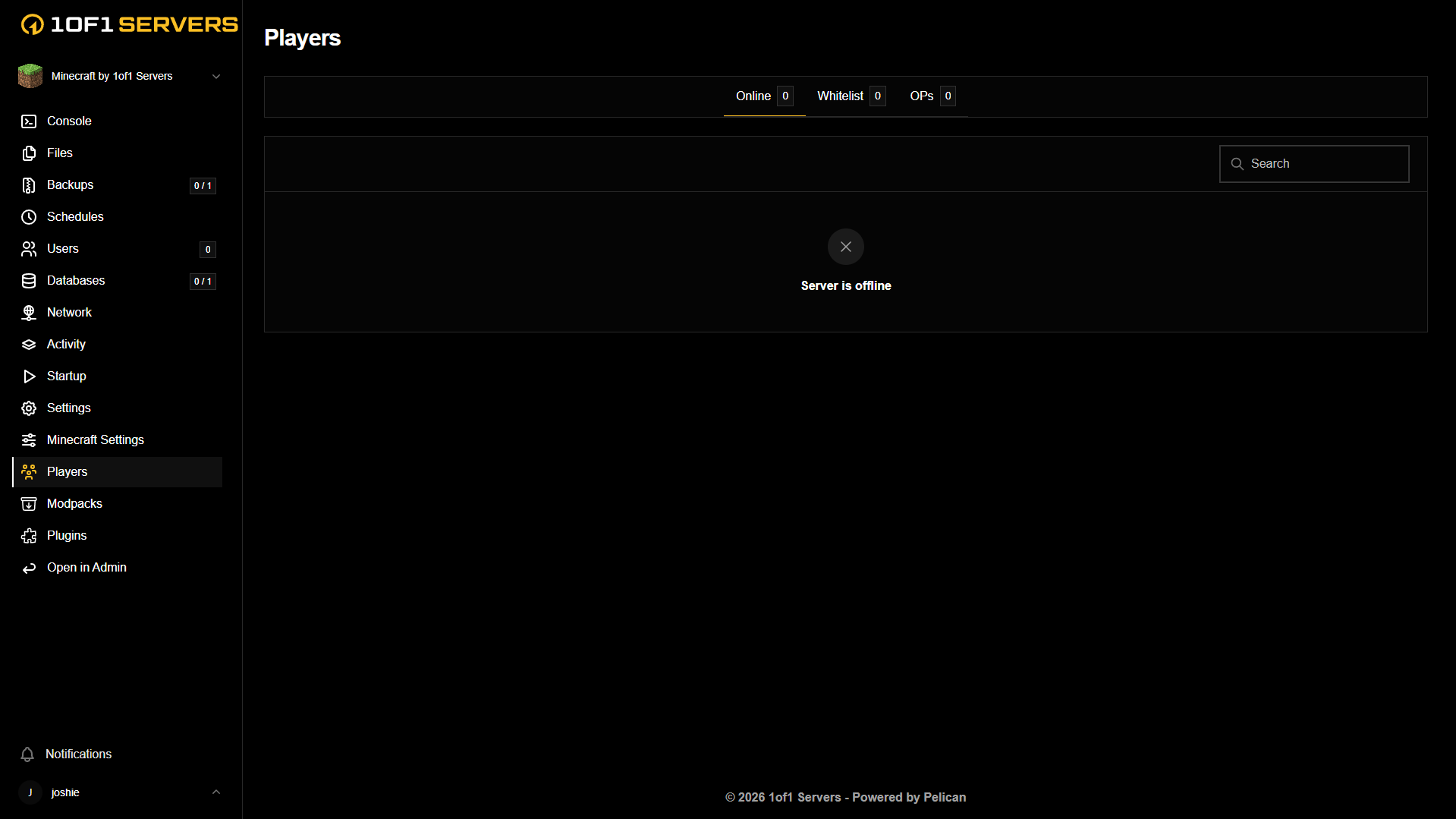
Manage who is on your server and change server settings from the panel, with no restart scripts or file editing needed.
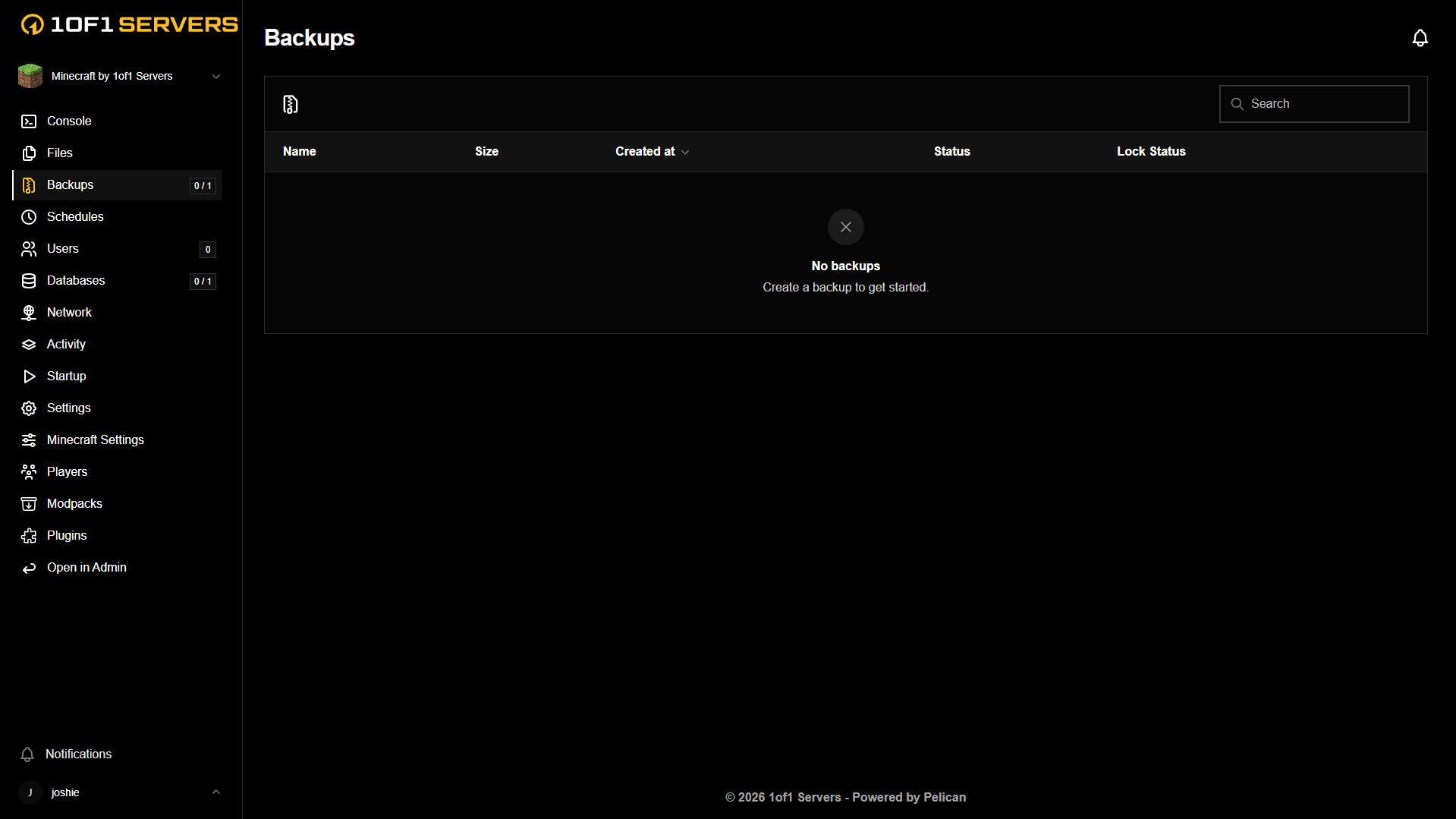
Schedule and manage backups from the panel, so your world is safe before anything goes wrong.
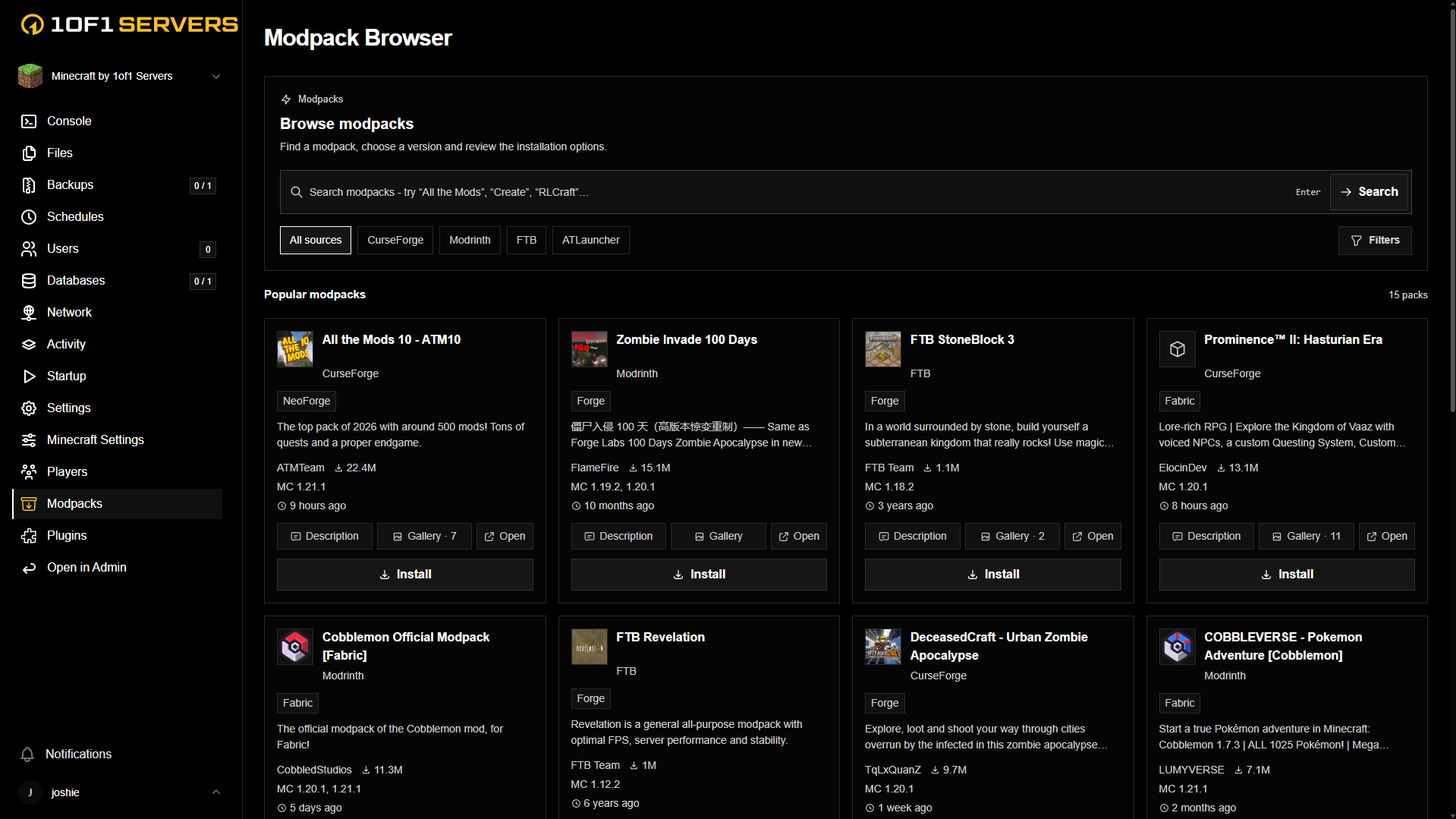
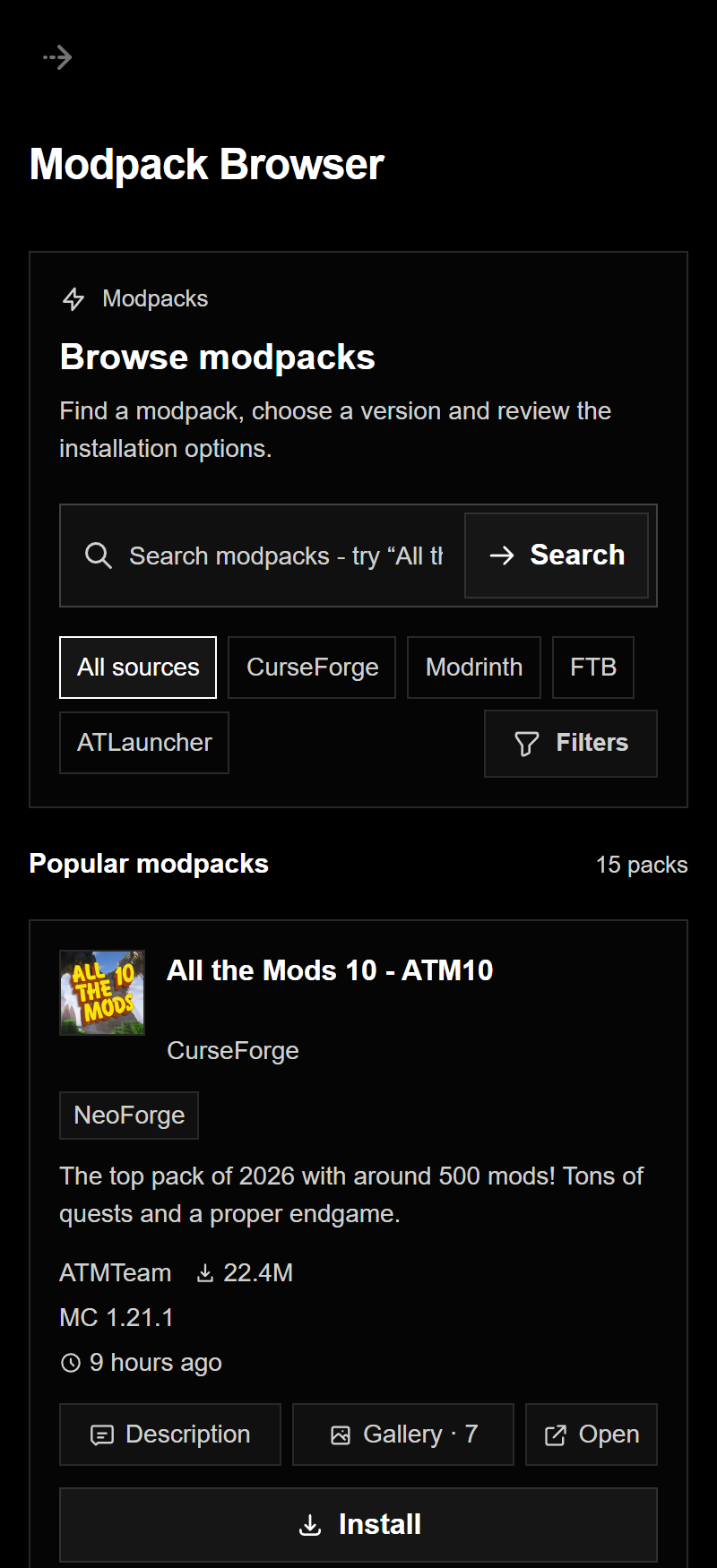
Browse and install mods and modpacks from the most popular sources without leaving the panel.
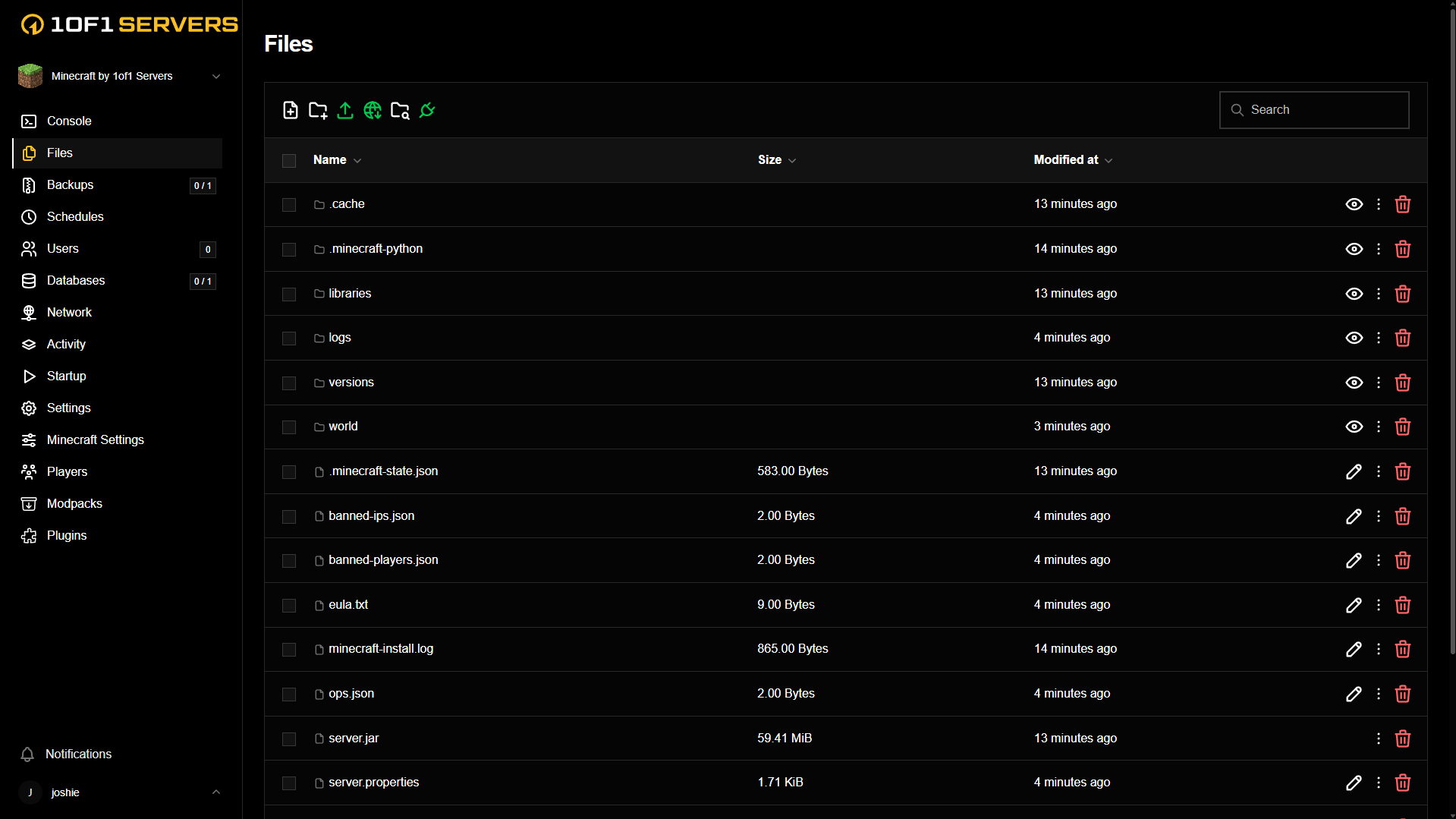
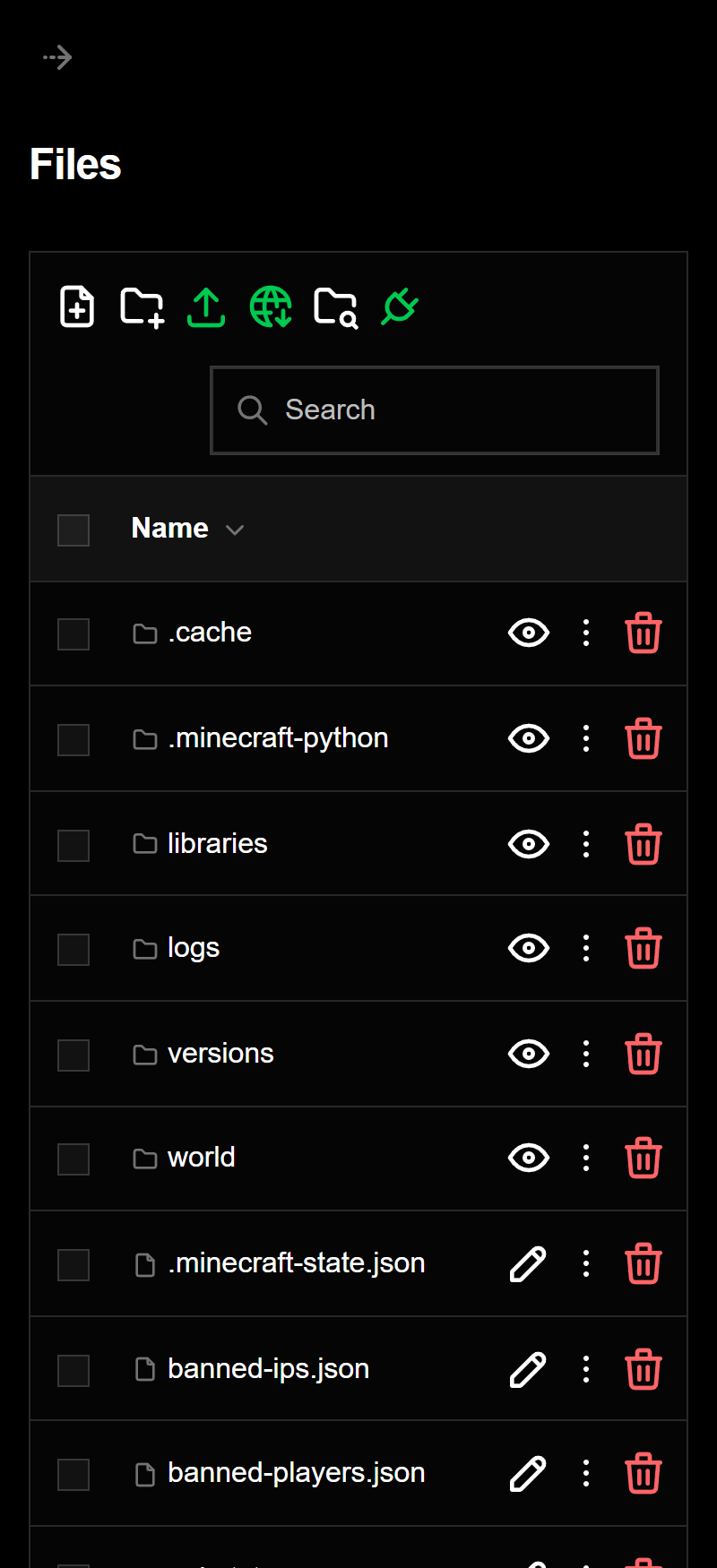
Browse, edit, upload and download your server files right in the panel, or connect over SFTP to bring in your existing world.
FREQUENTLY ASKED QUESTIONS
Answers on joining your server, player slots and what’s included.
VIEW ALL FAQSOnce setup finishes, open the 1of1 game panel to find your server details. Launch HumanitZ and look for your server by name in the multiplayer server browser.
Yes. Set a password in your server settings and share it with the players you want to invite.
There’s no per-slot fee on any plan. HumanitZ’s server limits determine how many players can connect at the same time.
The base plan includes 6 GB of RAM, Normal CPU priority and hosting in Dallas, Texas or Ashburn, Virginia. Checkout shows the total with your selected upgrades and any applicable fees.
Launch your HumanitZ server today
