


SAN ANDREAS SERVER HOSTING
Bring your community to San Andreas. Host a roleplay city, racing server, stunt playground, or deathmatch arena with your own game modes and rules.
- Unlimited Player Slots
- Custom Pawn Game Modes
- 1OF1Shield DDoS Protection
- 10 Gbps Network
Upload your game mode, configure server.cfg, and share your server address with your players. See the server configuration guide to get started.
How setup works
> Unlimited Player Slots
Your hosting plan has no per-slot charge. Actual capacity depends on the server software's limits, your game mode, plugins, and server resources.
> Custom Pawn Game Modes
Upload your compiled Pawn game mode and filterscripts to build the roleplay, racing, freeroam, or deathmatch experience your community wants.
> 1OF1Shield DDoS Protection
Game traffic filtering is included to help protect your server from DDoS attacks.
> 10 Gbps Network
A 10 Gbps port in both directions with unlimited fair-use traffic, available in Dallas and Ashburn.
> RAM & CPU Options
Start with 2 GB RAM and Normal CPU, or choose 8 GB or 16 GB RAM with High or Real Time CPU options.
> Manage It From Your Browser
Access your files and console, upload scripts through SFTP, and start or restart your server from the game panel.
WHY CHOOSE OUR GAME PANEL?
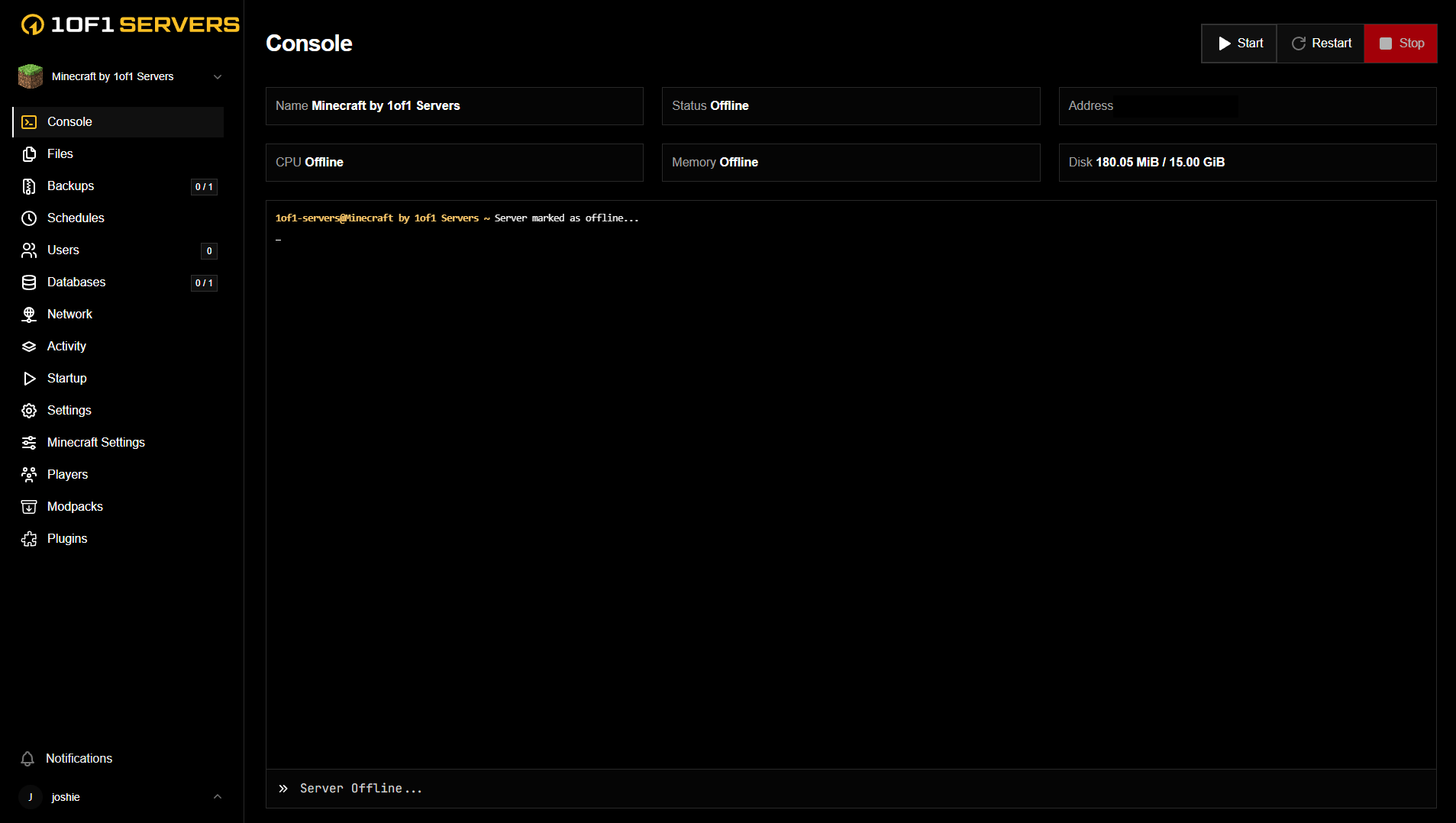
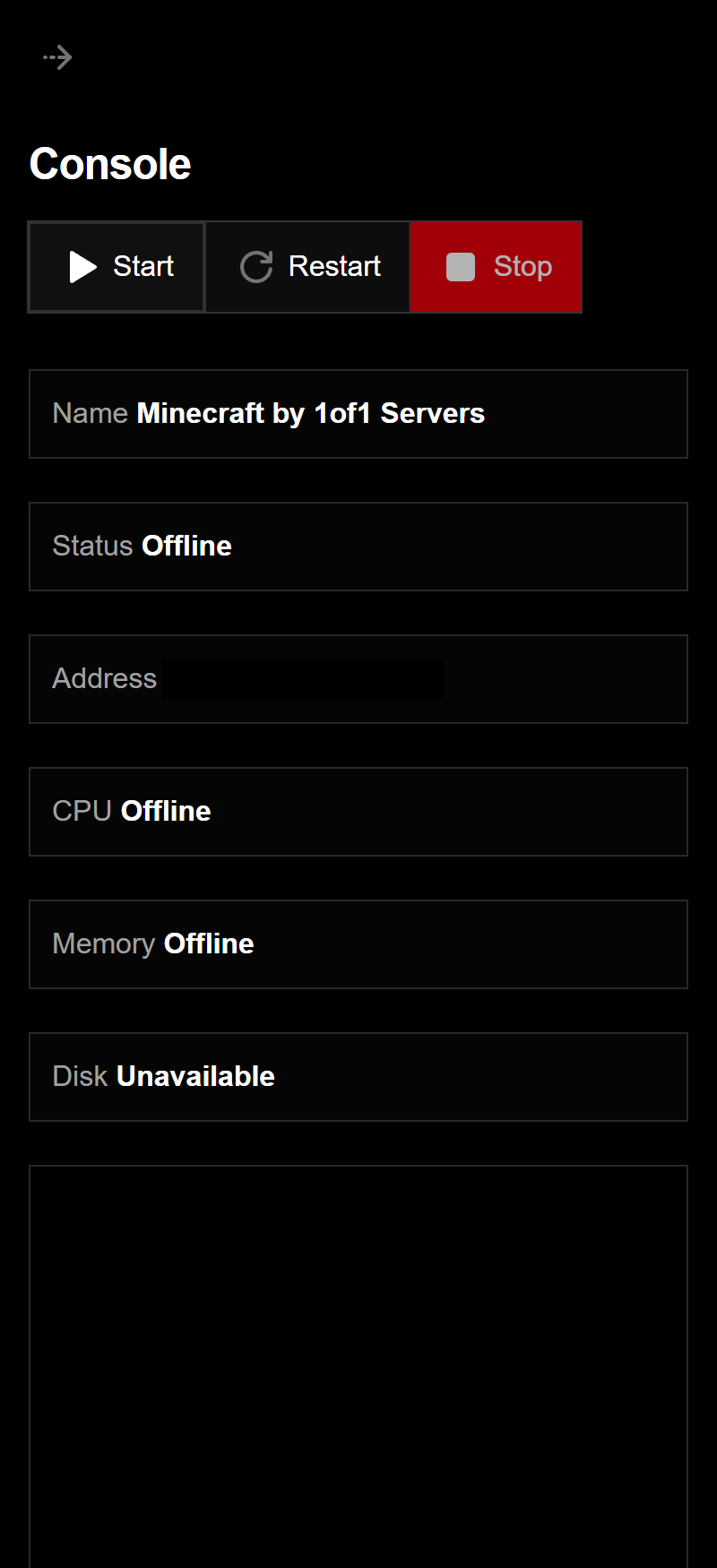
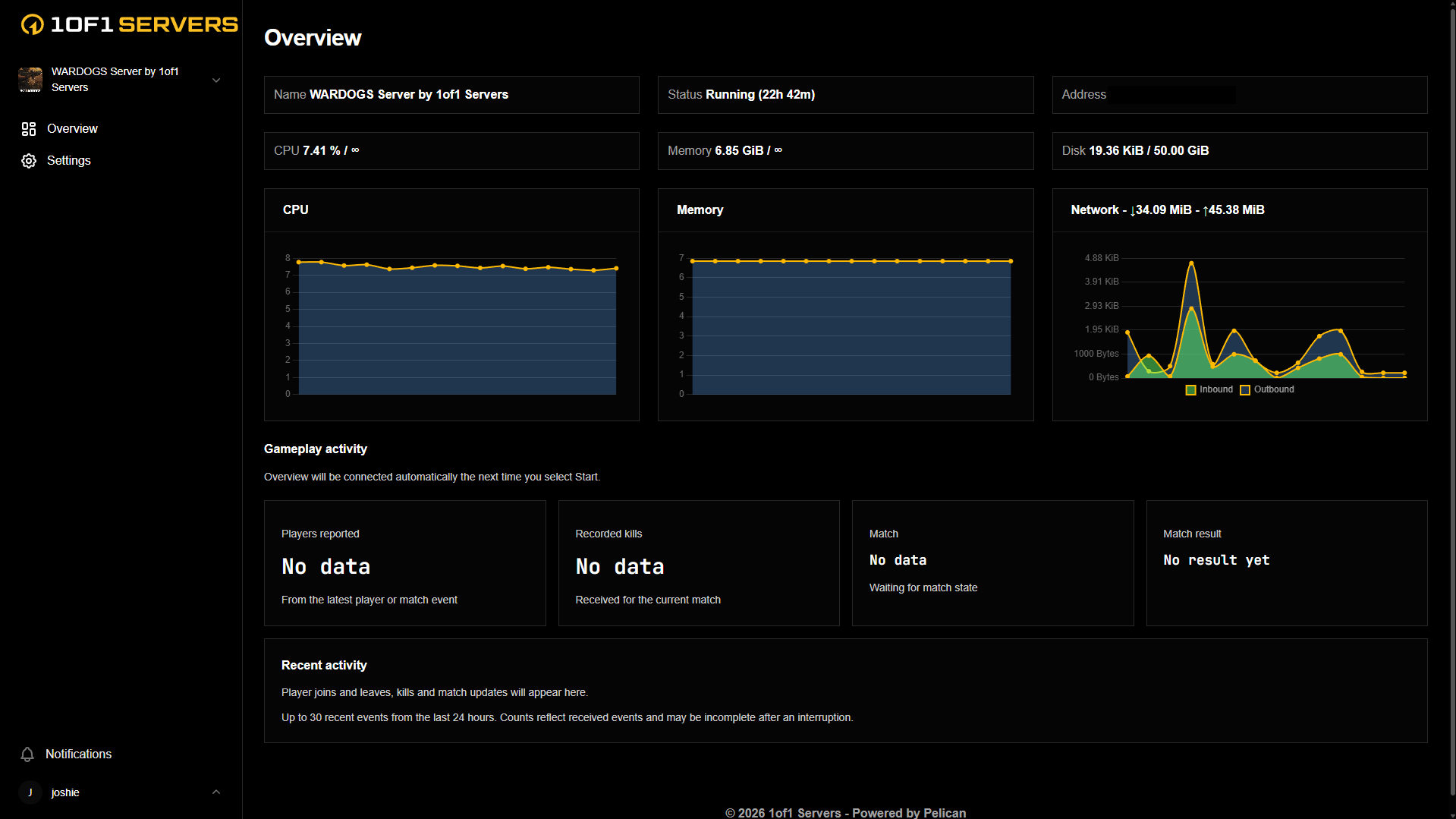
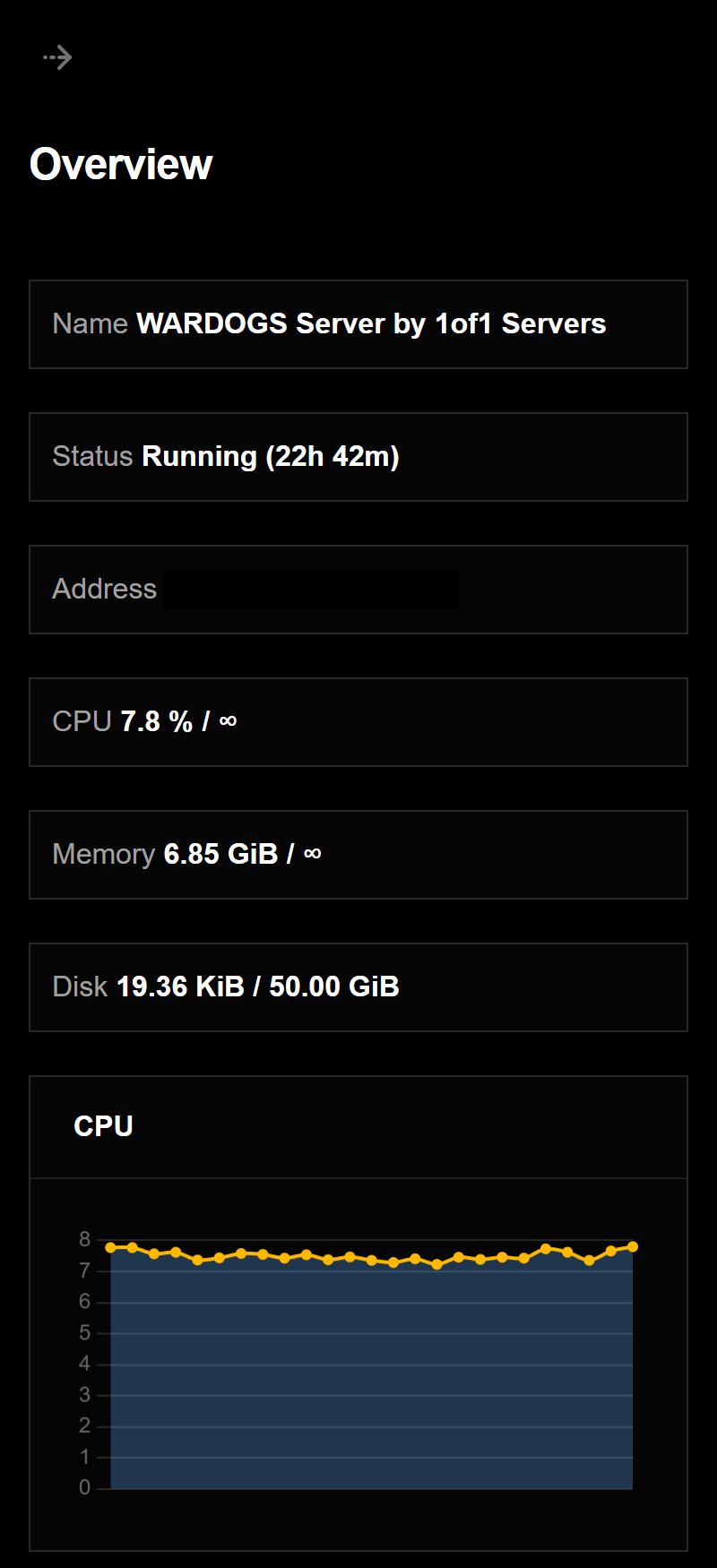
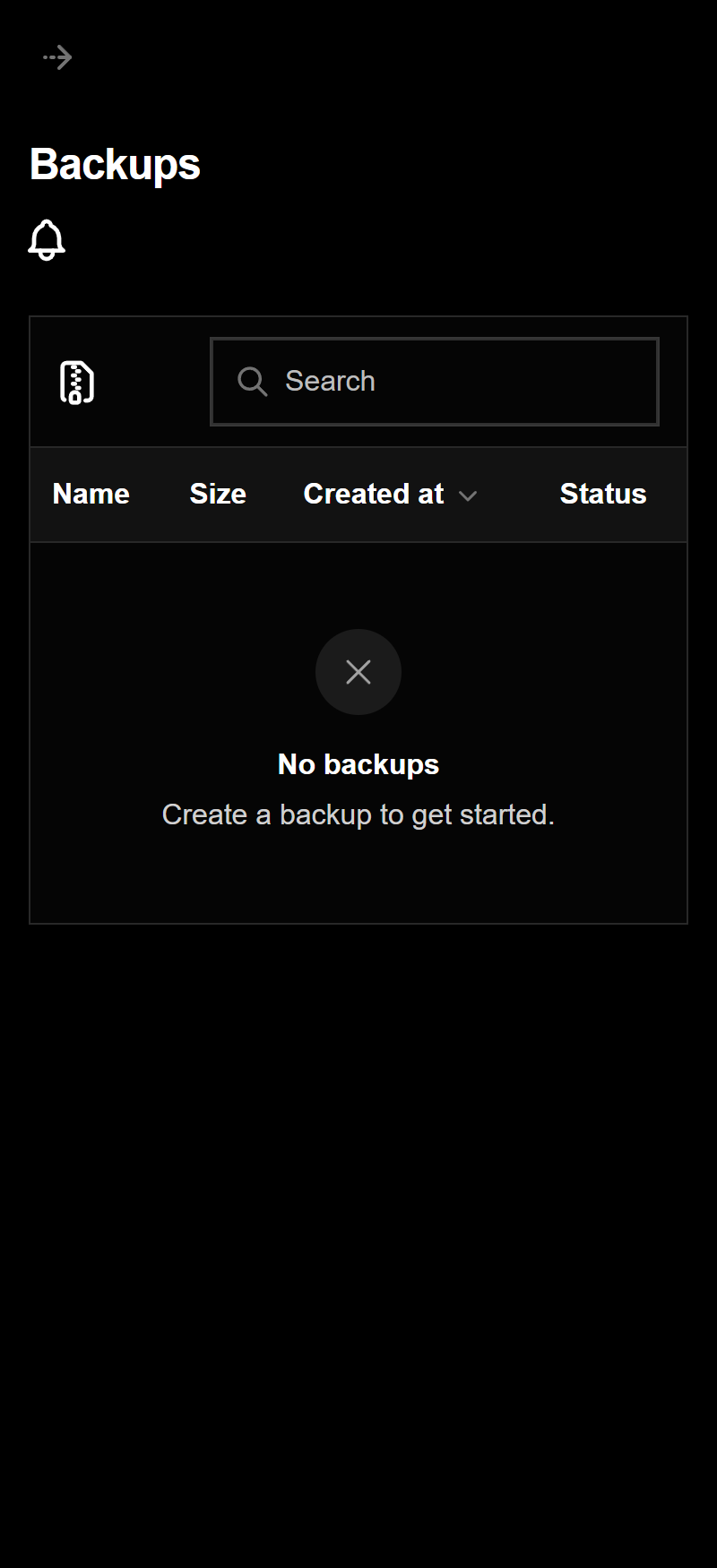
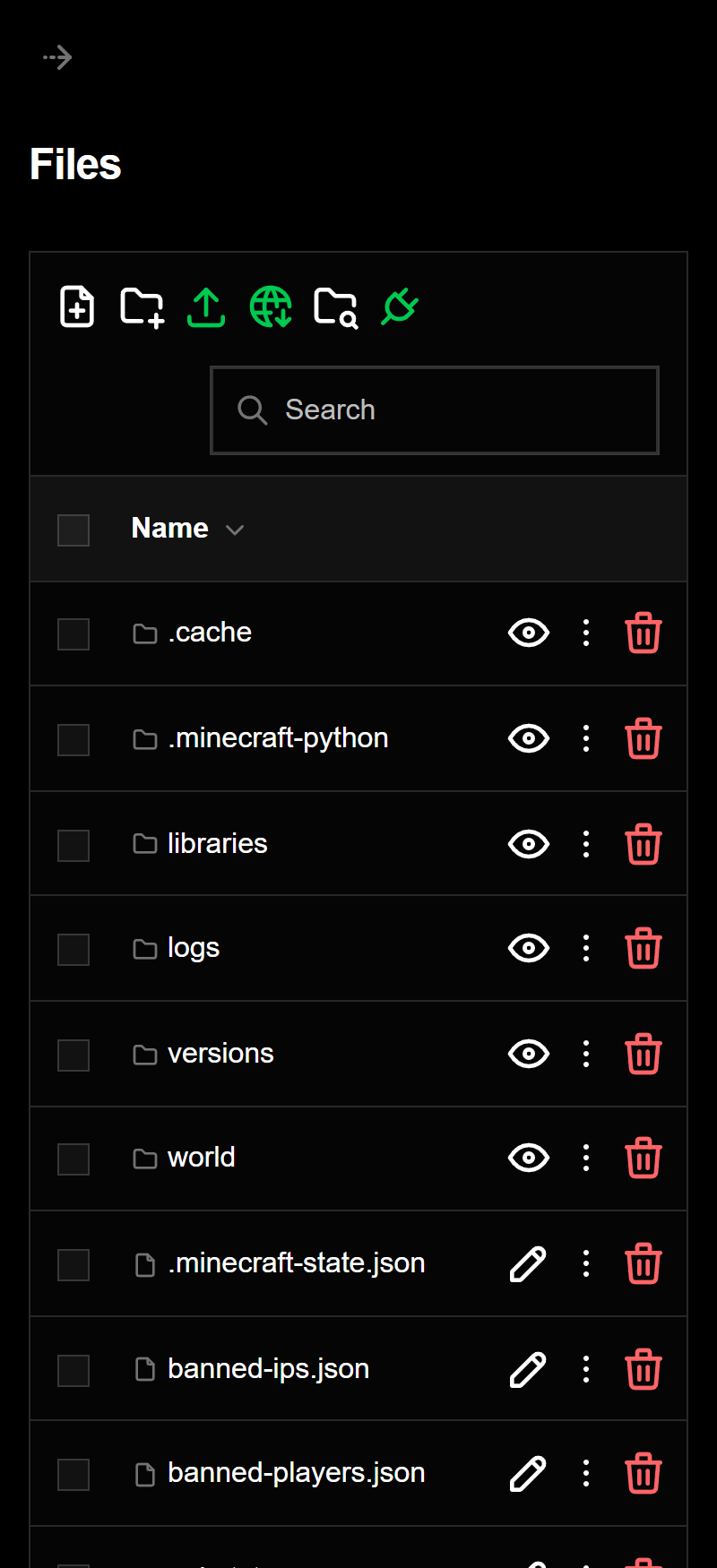
Every server comes with our custom game panel, built to manage your server from your browser, on desktop or mobile.
Our custom game panel puts your whole server in one place, so you can run it without touching config files by hand.
See your server status, CPU, memory, disk and network usage at a glance, along with live activity from your game.
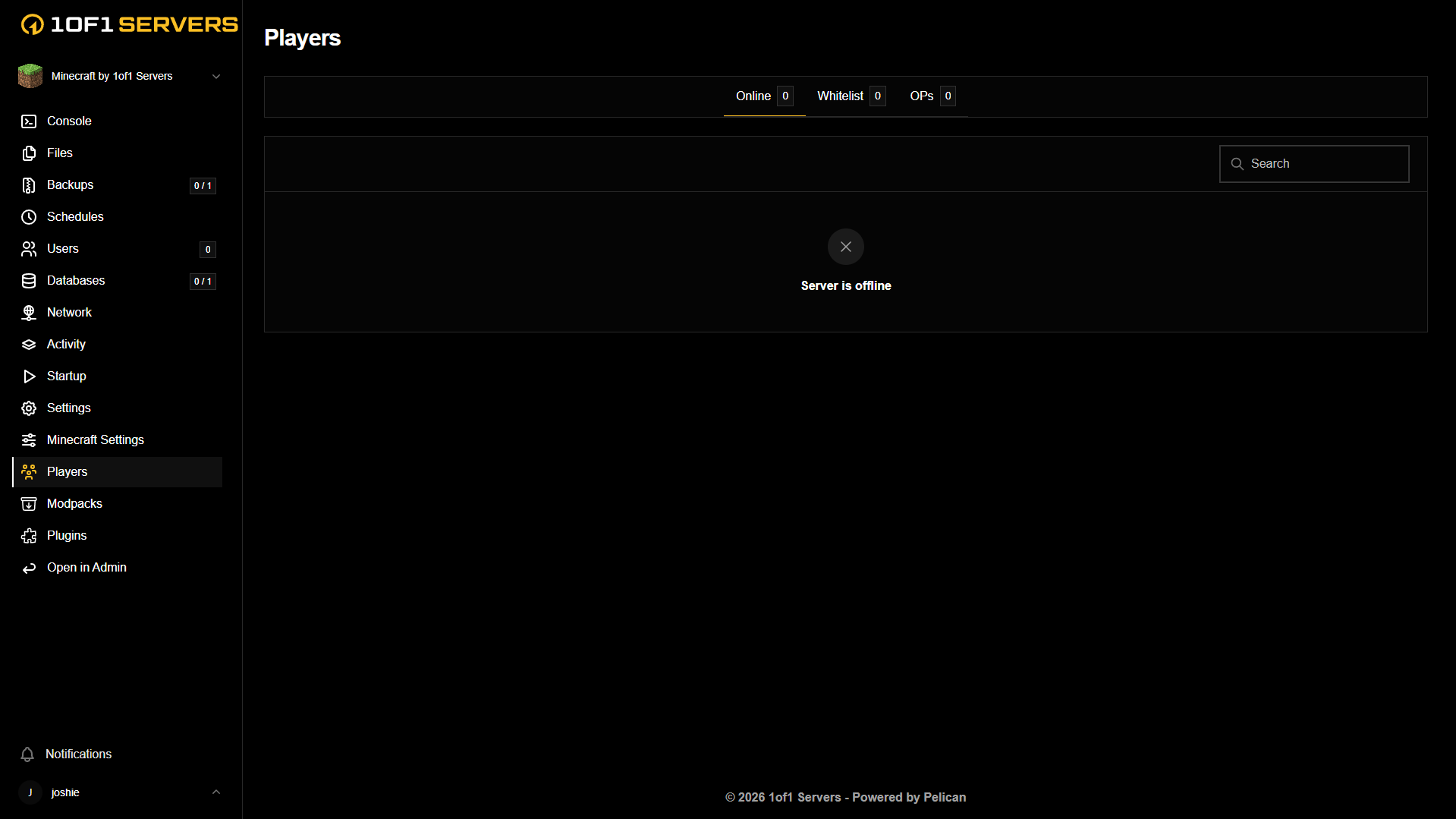
Manage who is on your server and change server settings from the panel, with no restart scripts or file editing needed.
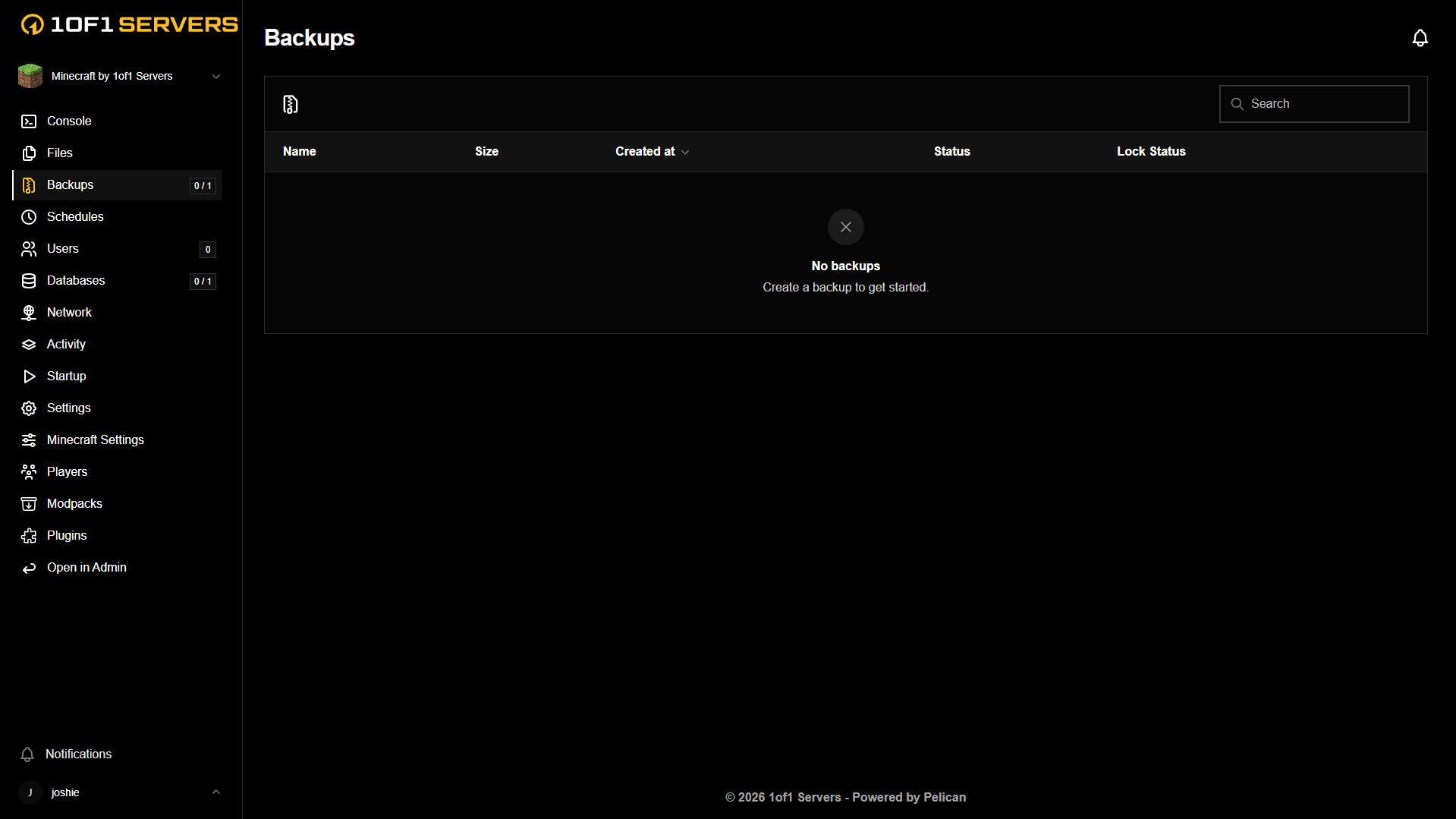
Schedule and manage backups from the panel, so your world is safe before anything goes wrong.
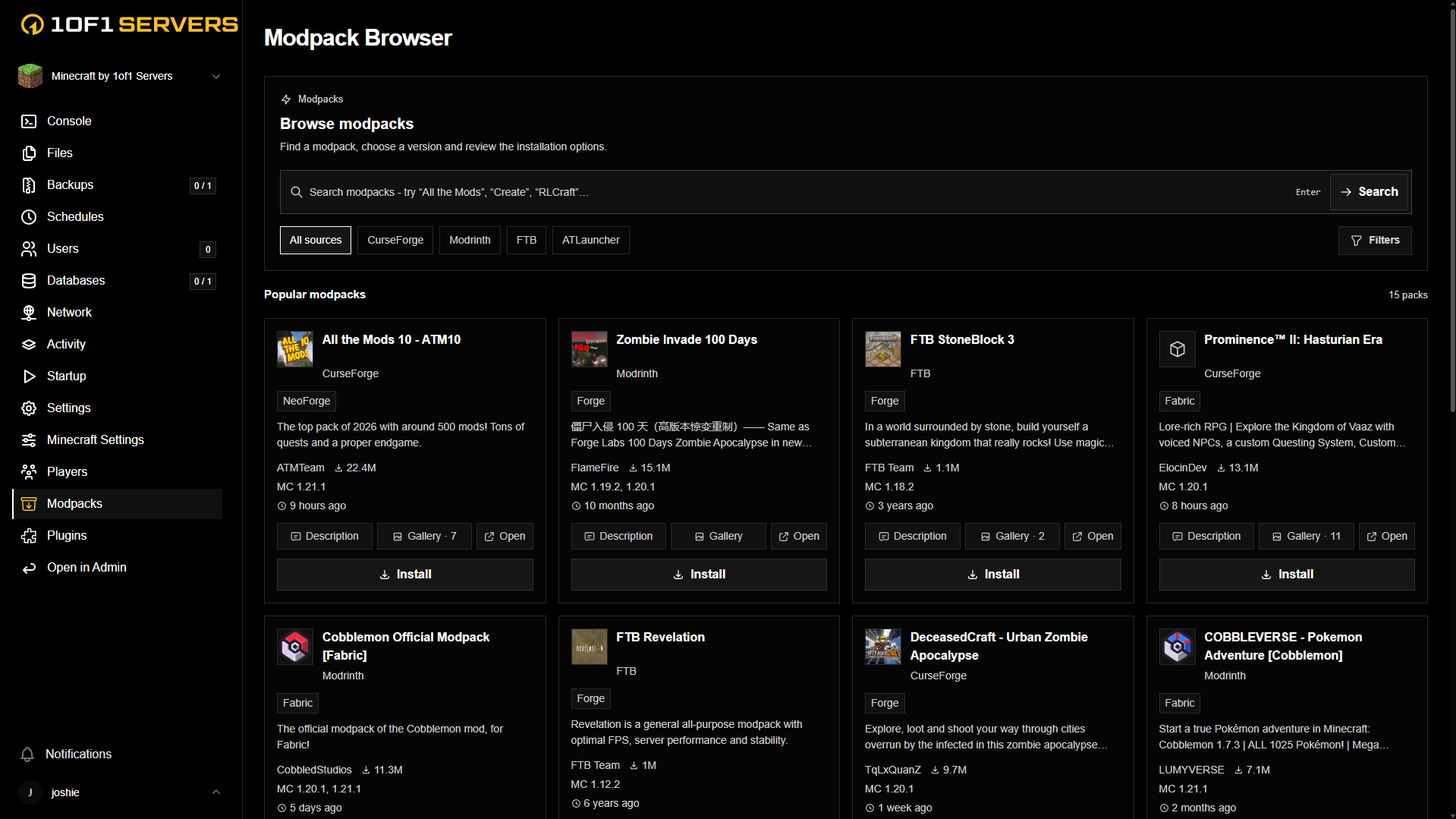
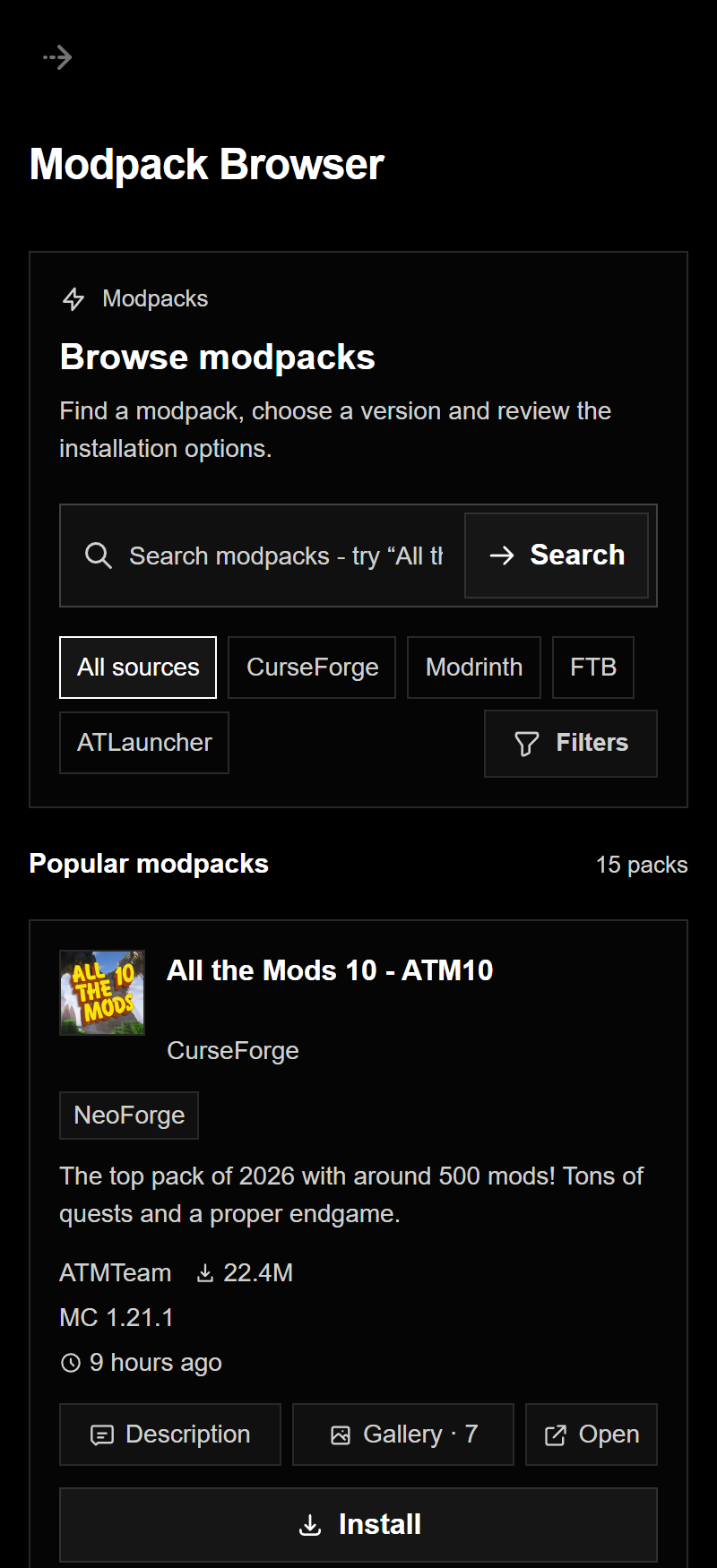
Browse and install mods and modpacks from the most popular sources without leaving the panel.
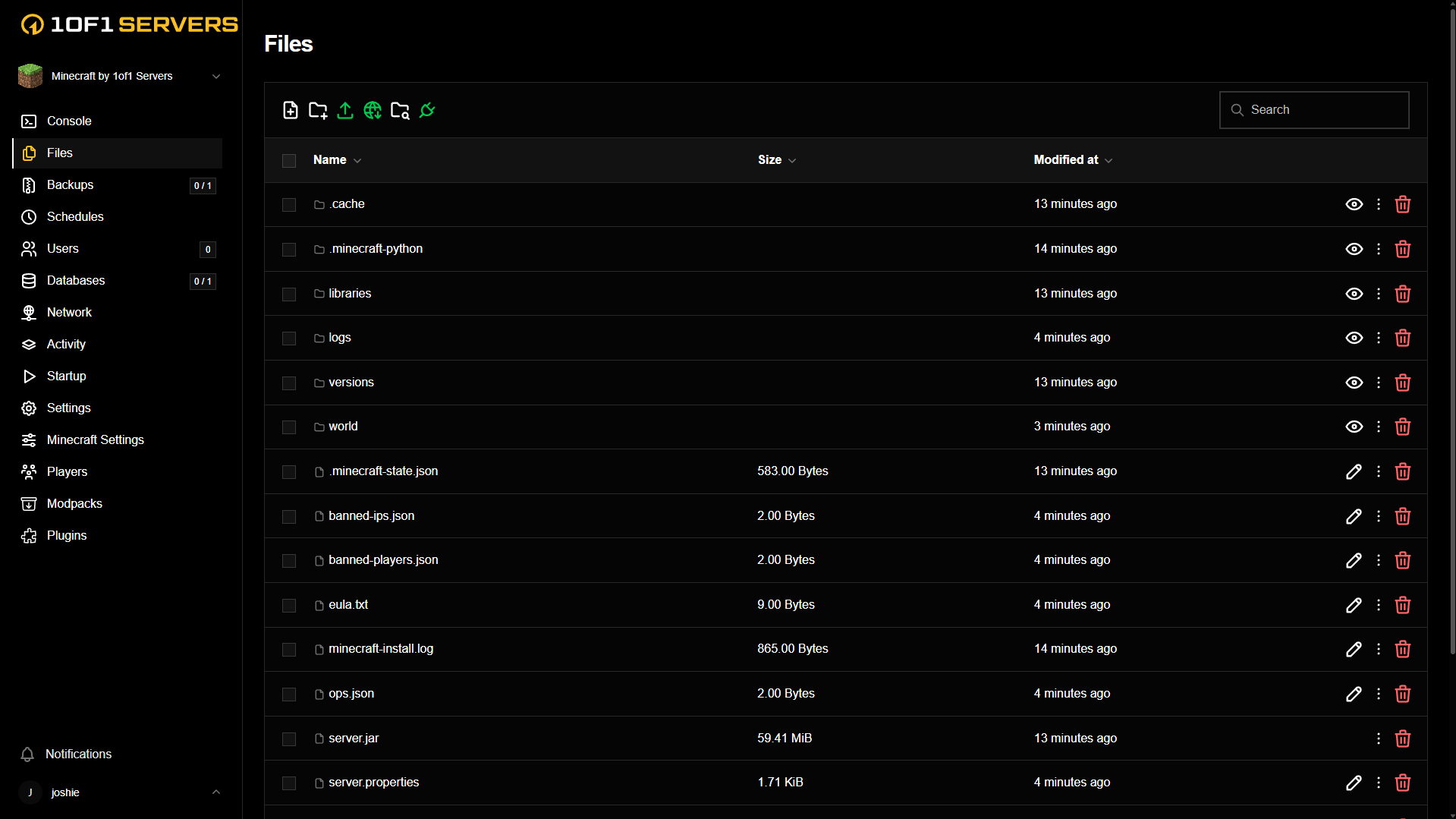
Browse, edit, upload and download your server files right in the panel, or connect over SFTP to bring in your existing world.
FREQUENTLY ASKED QUESTIONS
Player requirements, custom scripts, server resources, and moving your community to 1of1 Servers.
VIEW ALL FAQSSan Andreas hosting gives your community its own multiplayer server. Run your own game mode, from roleplay and freeroam to racing and deathmatch, with the rules and scripts you choose.
Players need their own compatible copy of the original San Andreas for PC and a matching multiplayer client. The client download page lists supported game versions and downloads. Hosting does not include a copy of the game.
We do not charge per player slot. The server software supports a configured maximum of 1,000 players, but that is a software limit, not a capacity guarantee for every plan. Your game mode, plugins, database workload, and available CPU and RAM determine how many players your server can handle comfortably.
Yes. Upload your compiled .amx game mode and filterscripts, then enable them in server.cfg. Native plugins must use Linux .so builds compatible with your server version. Any database-backed scripts also need their database connection configured.
Yes. Set a server password in server.cfg for private games or testing. Keep the player password separate from your RCON administrator password.
Plans start at $4.99/month with 2 GB RAM, Normal CPU, and unlimited player slots. An 8 GB RAM upgrade adds $9.99/month, and 16 GB adds $19.99/month. High CPU adds $4.99/month; Real Time CPU adds $9.99/month. Dallas and Ashburn are available at the same base price.
Yes. Use the panel's file manager or SFTP to upload your game mode, filterscripts, plugins, and scriptfiles. Update server.cfg for the assigned address and port, configure any database connection, and check that your plugins are compatible before opening the server to players.

Launch your San Andreas server today
