


TEAM FORTRESS 2 SERVER HOSTING
Give your community a place to play. Host a dedicated Team Fortress 2 server for Payload, Control Points, Capture the Flag, and custom maps with your own rules and rotation.
- Your Maps & Game Modes
- Custom Maps & Plugins
- Public or Private Matches
- 22 Tbps 1OF1Shield DDoS Protection
- Layer 3 & Layer 4 DDoS Protection
- Layer 7 Protection for Team Fortress 2
- Custom Team Fortress 2 DDoS Filters Built In-House
- 10 Gbps network
Choose your plan at checkout, then manage your server name, maps, and configuration from the game panel. Share the server address with your players when you're ready.
How setup worksBILLING CYCLE
PLAYER SLOTS
RAM
CPU
Card payments include a 3% processing fee at checkout.

> Your Maps & Game Modes
Build a rotation around Payload, Control Points, Capture the Flag, or King of the Hill. Keep a favorite map running or change things up between rounds.
> Custom Maps & Plugins
Upload custom maps and compatible server plugins through the file manager or SFTP. Set up the admin tools and rules your community needs.
> Public or Private Matches
Welcome players to a community server or set a password for practice sessions, events, and games with friends.
> 22 Tbps 1OF1Shield DDoS Protection
1OF1Shield combines Layer 3 and Layer 4 network protection with Layer 7 filtering built specifically for Team Fortress 2. Our team builds custom, protocol-aware DDoS filters in-house for Team Fortress 2 server traffic.
> 10 Gbps Network
Your game server includes a 10 Gbps network port and unlimited fair-use traffic.
> Manage It From Your Browser
Use the game panel to start or restart your server, read the console, edit configuration files, and upload your maps.
WHY CHOOSE OUR GAME PANEL?
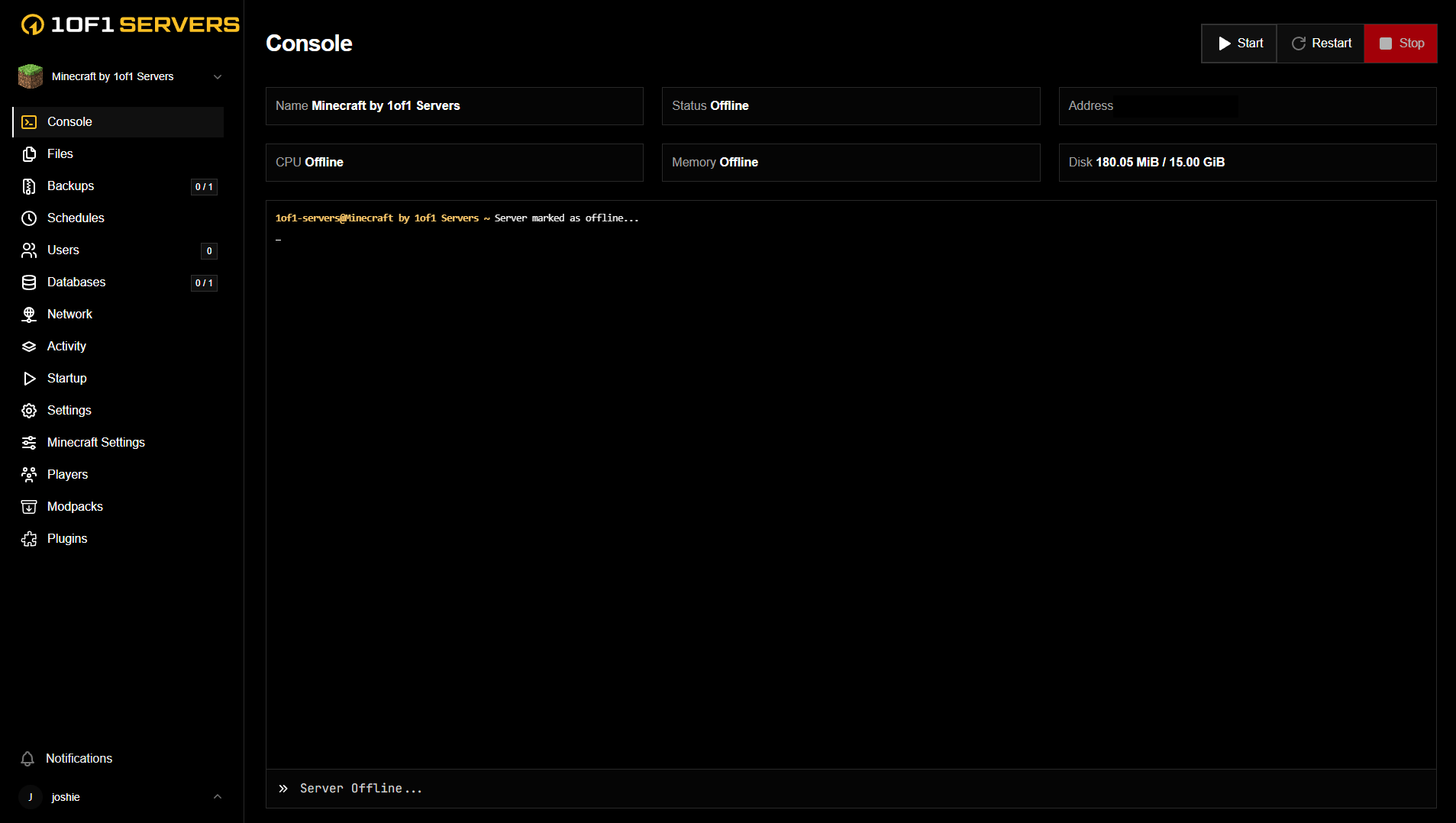
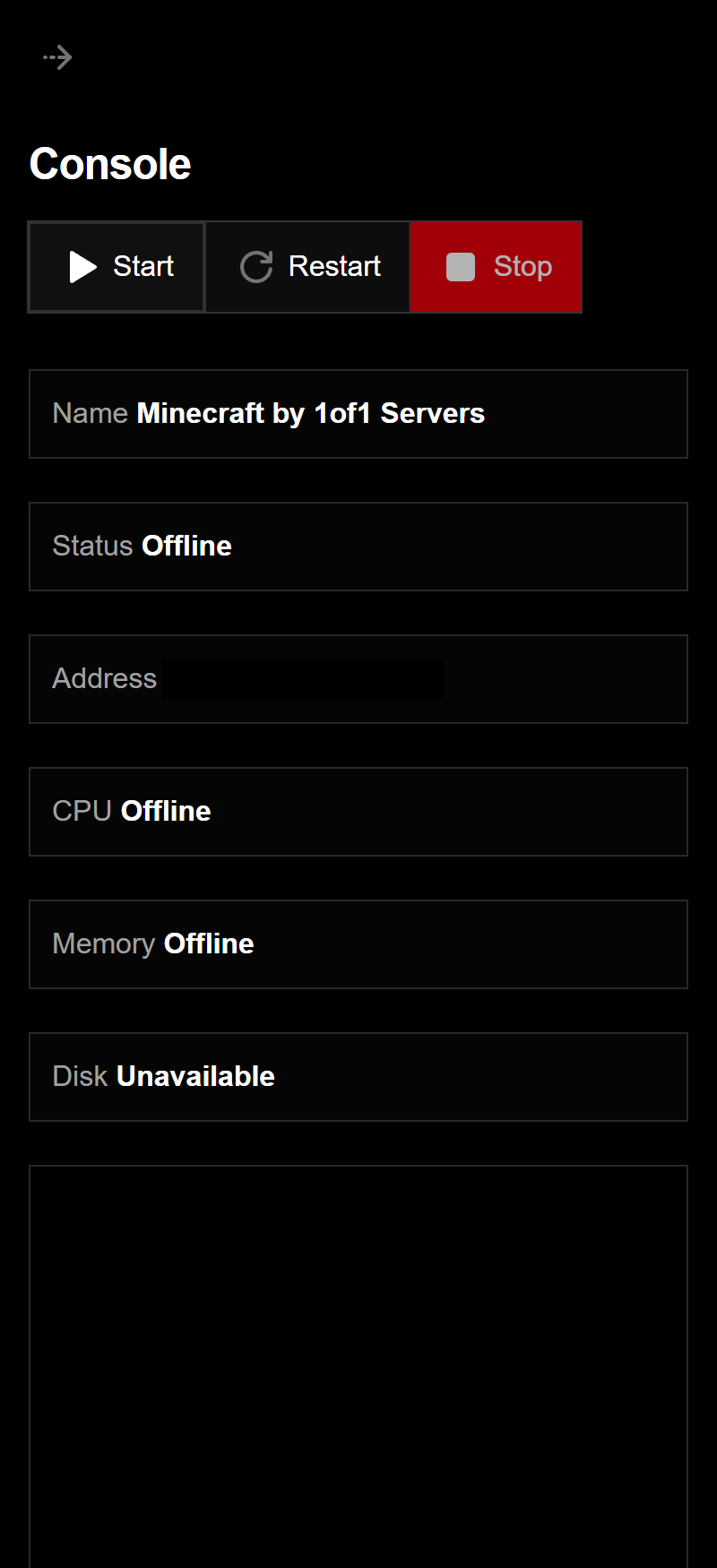
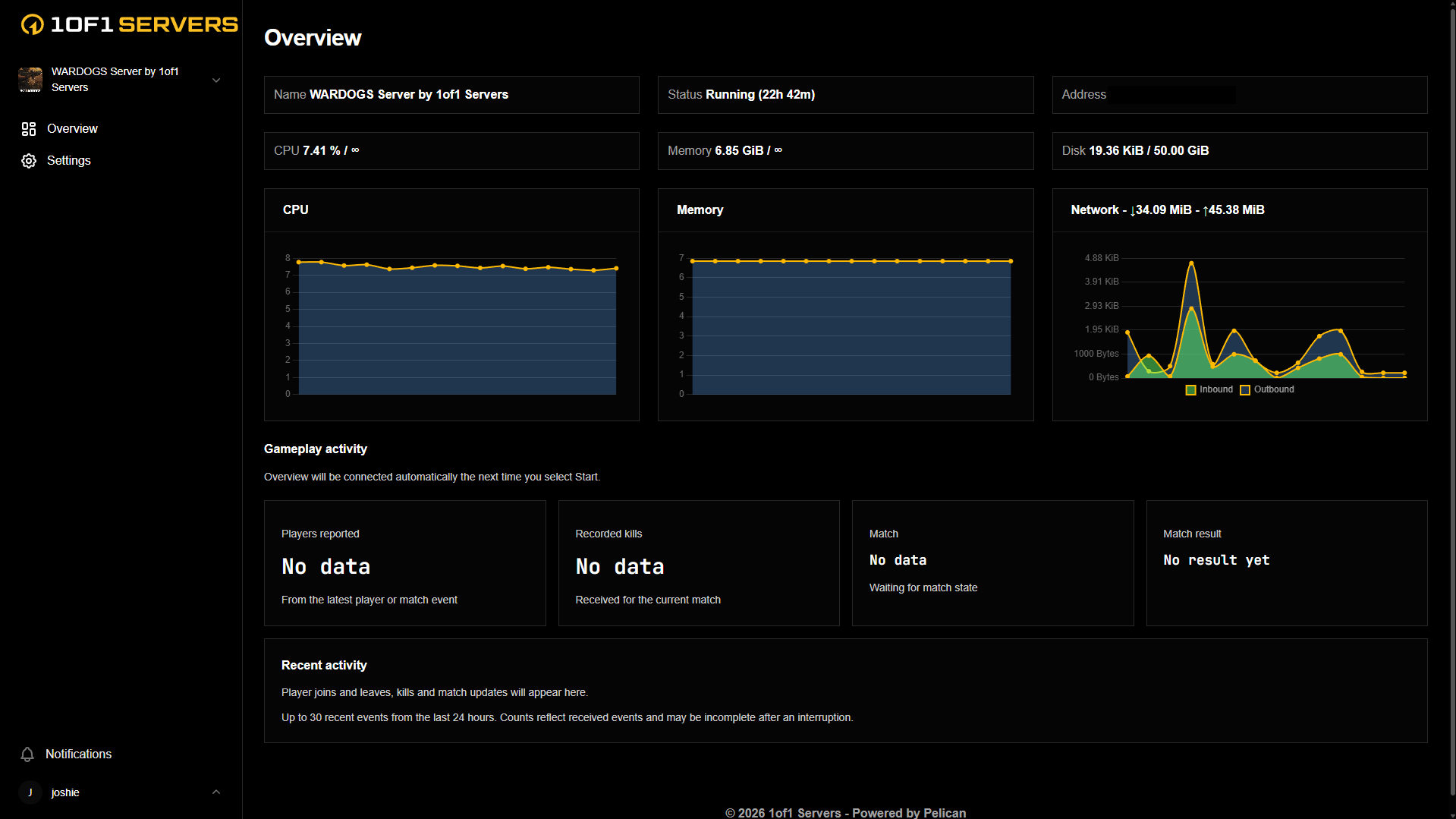
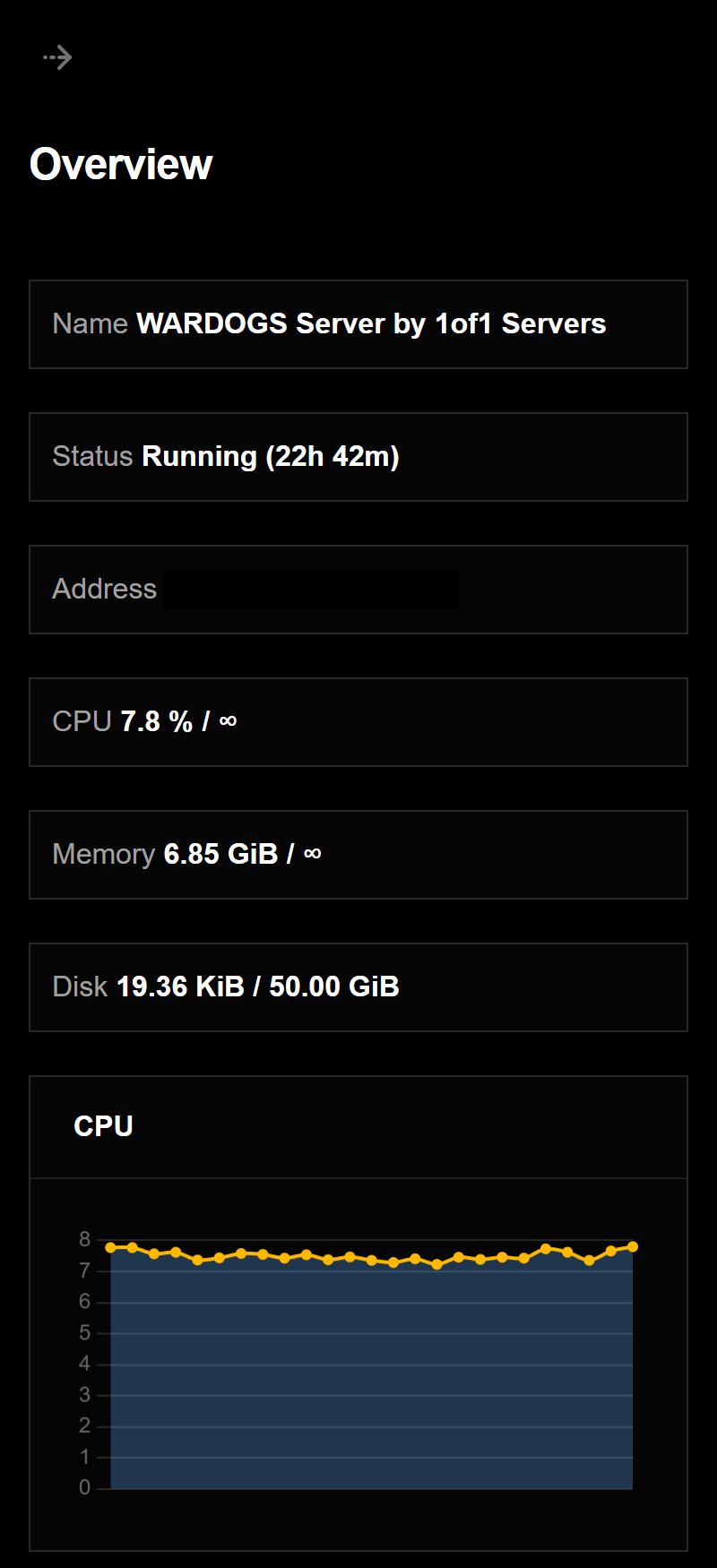
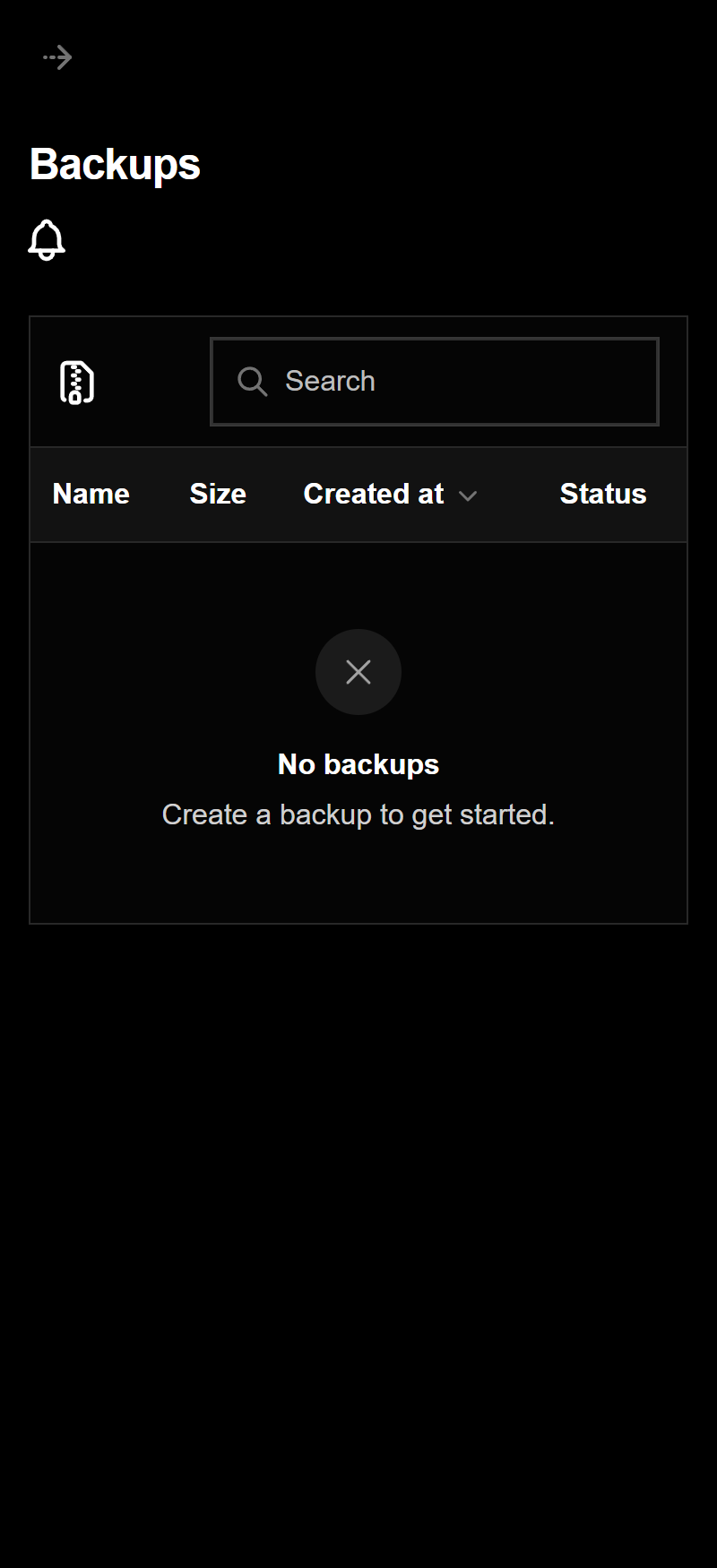
Every server comes with our custom game panel, built to manage your server from your browser, on desktop or mobile.
Our custom game panel puts your whole server in one place, so you can run it without touching config files by hand.
See your server status, CPU, memory, disk and network usage at a glance, along with live activity from your game.
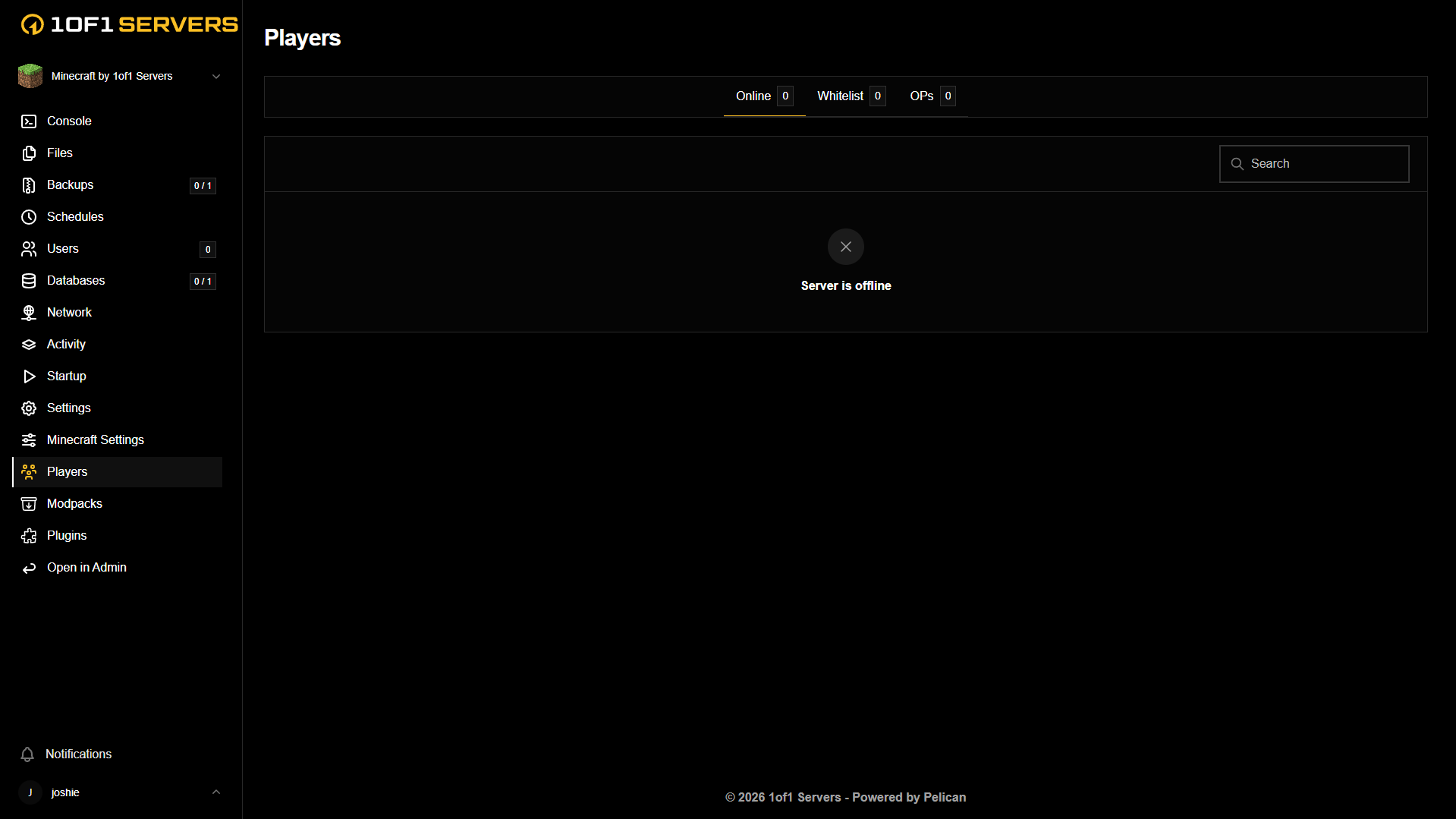
Manage who is on your server and change server settings from the panel, with no restart scripts or file editing needed.
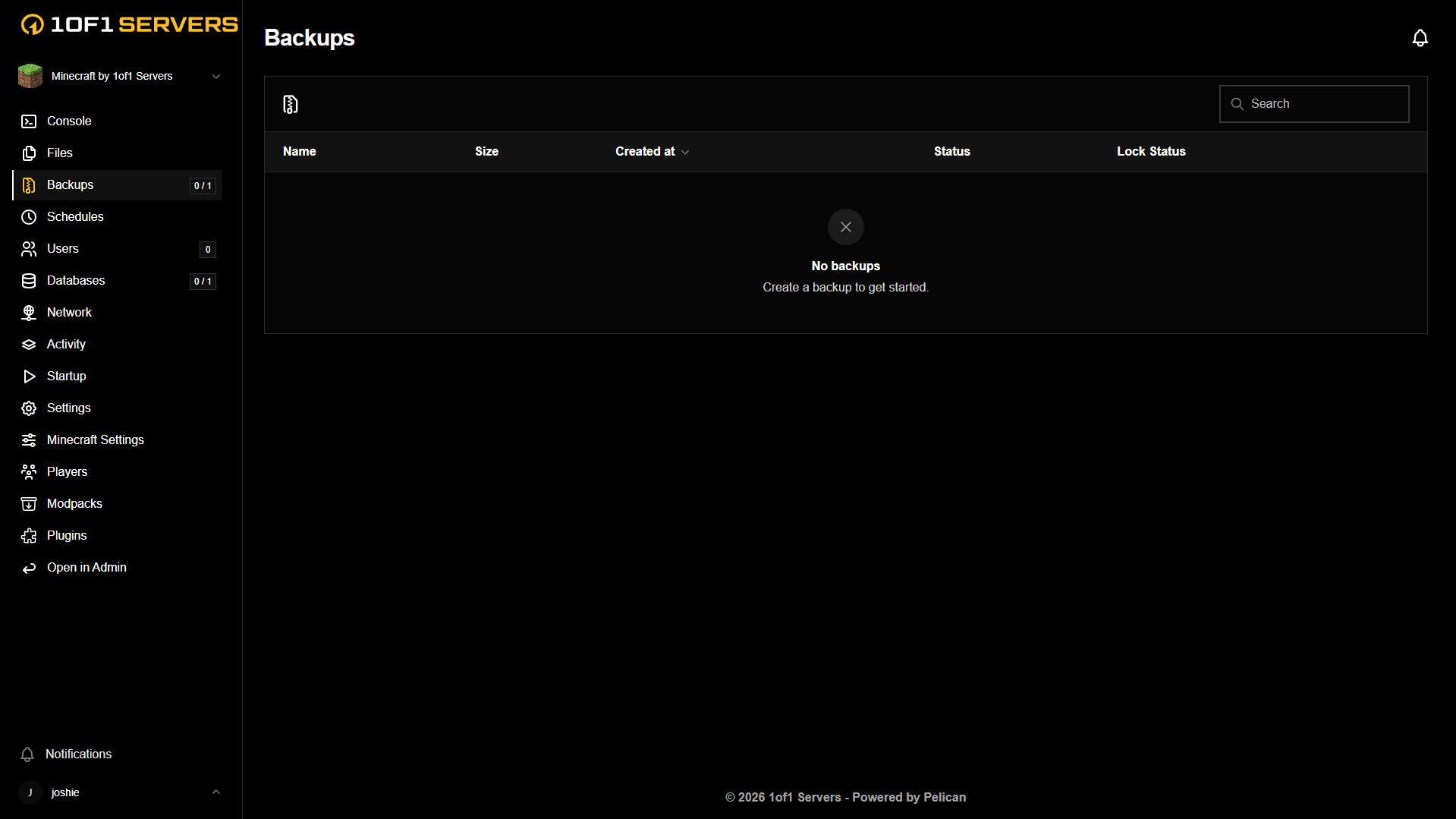
Schedule and manage backups from the panel, so your world is safe before anything goes wrong.
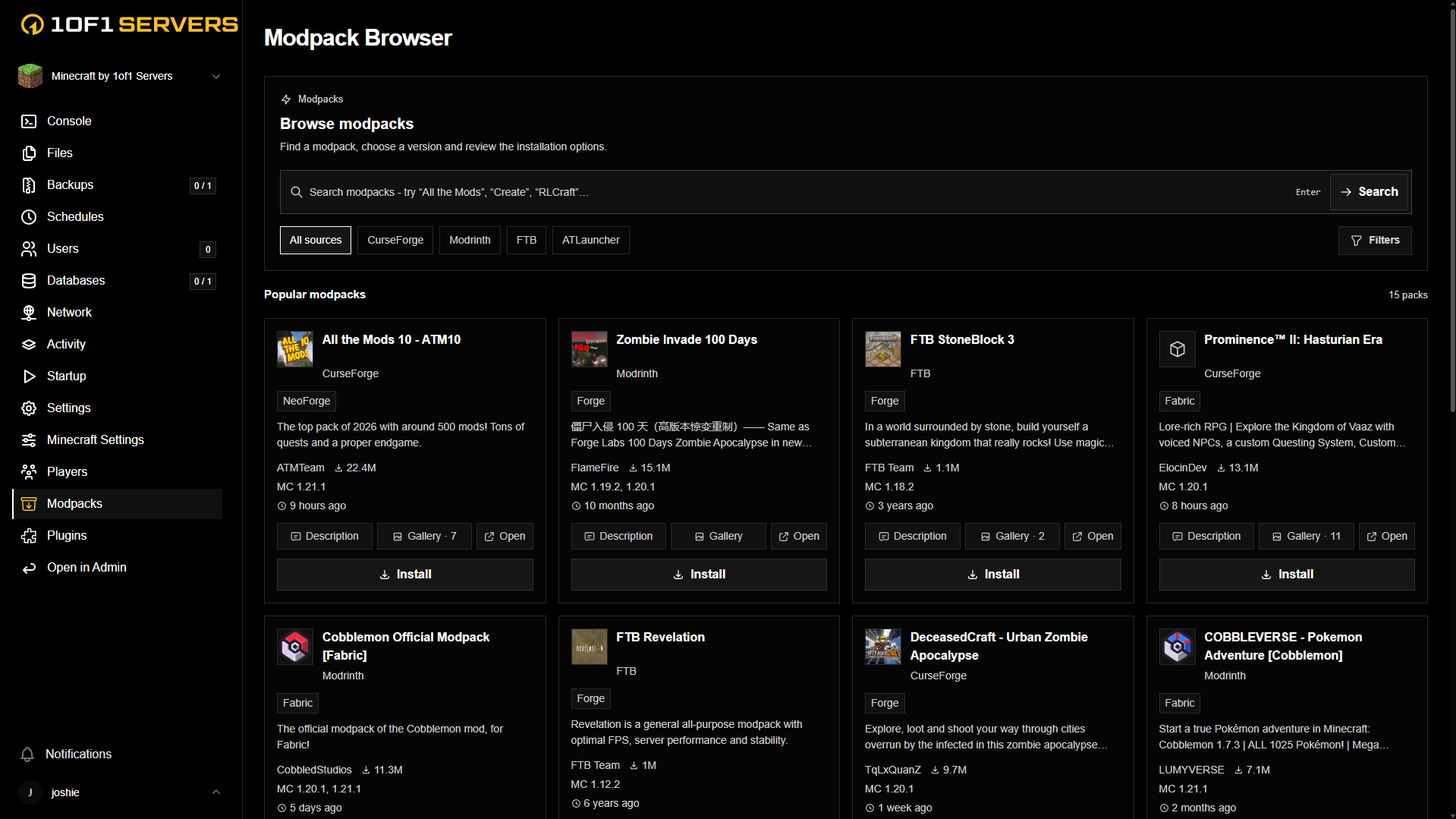
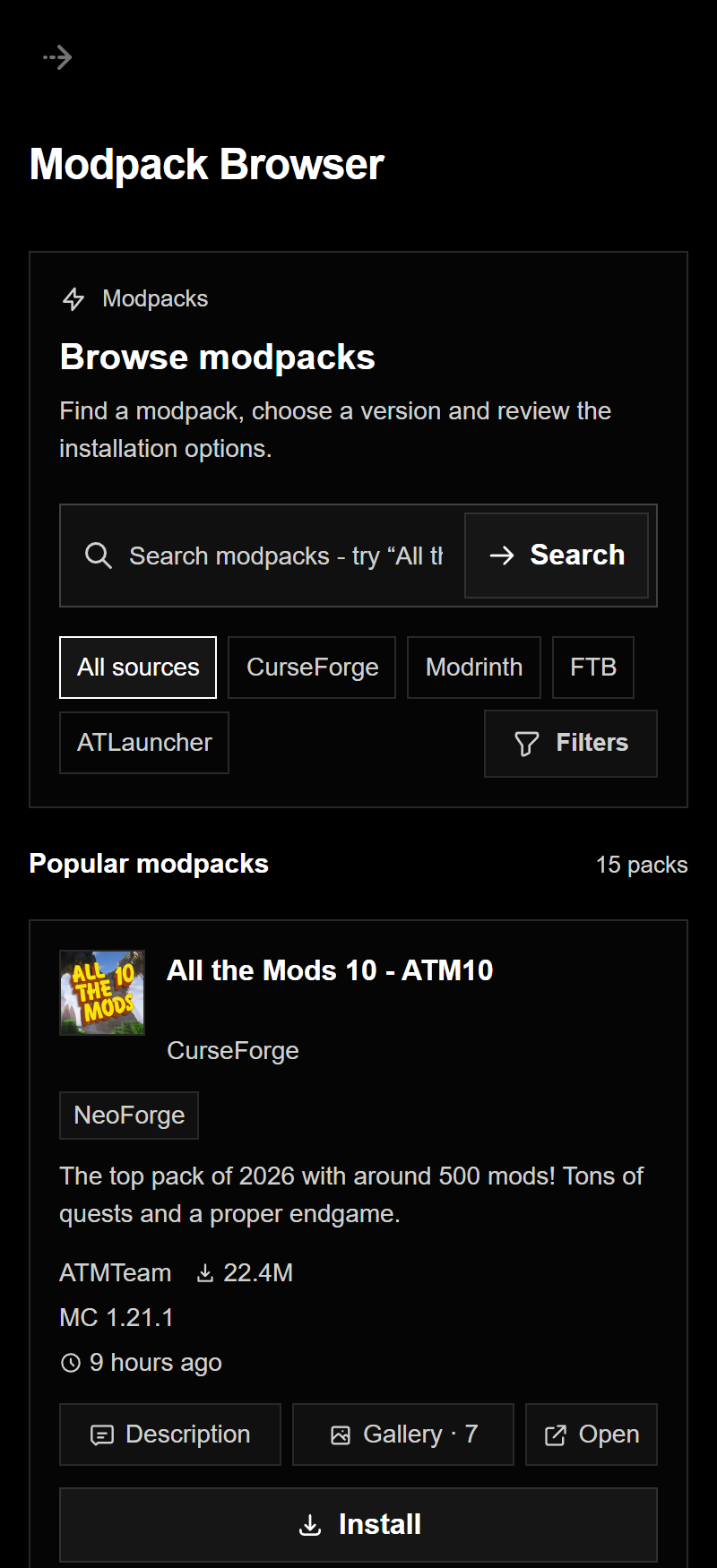
Browse and install mods and modpacks from the most popular sources without leaving the panel.
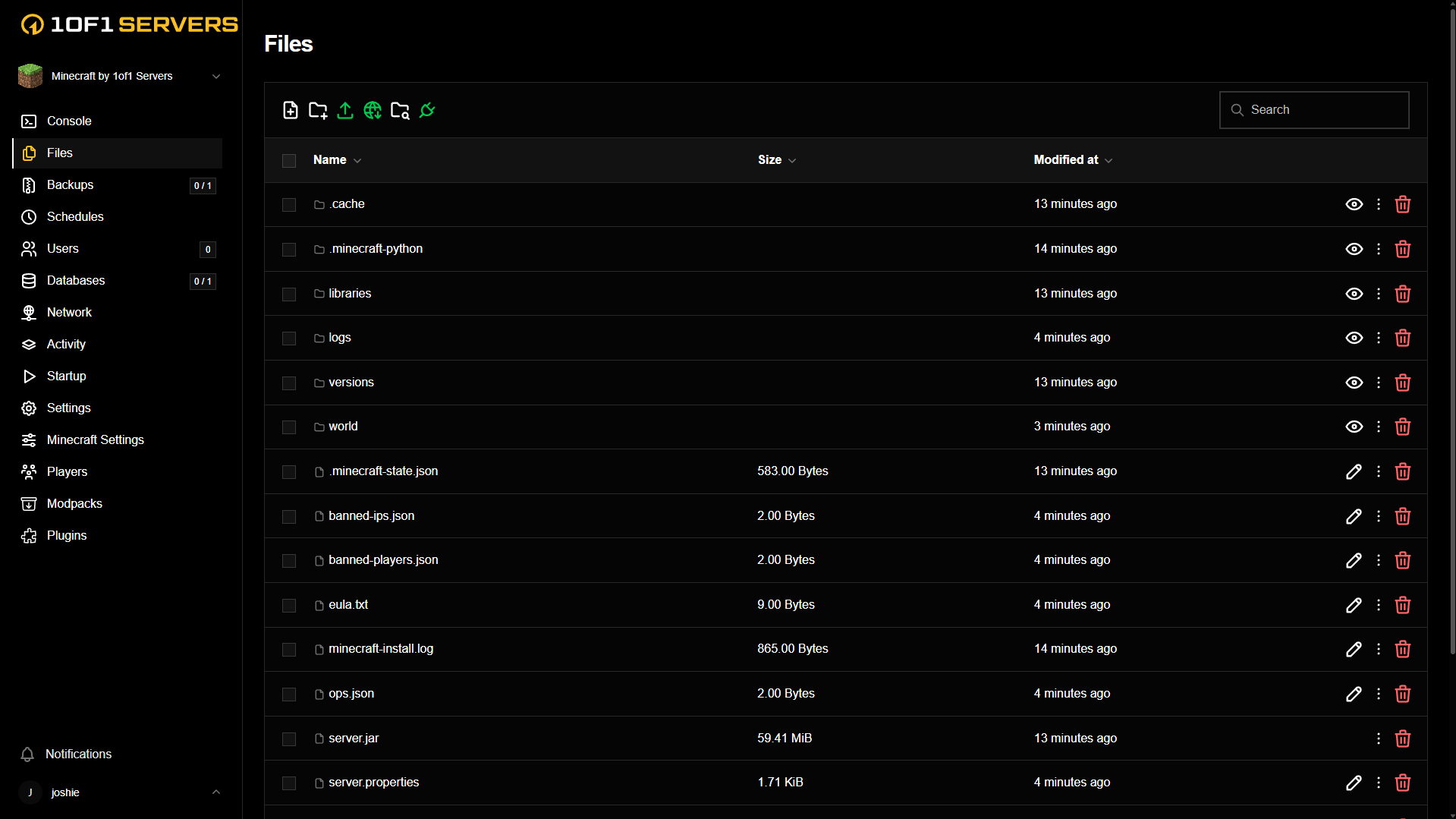
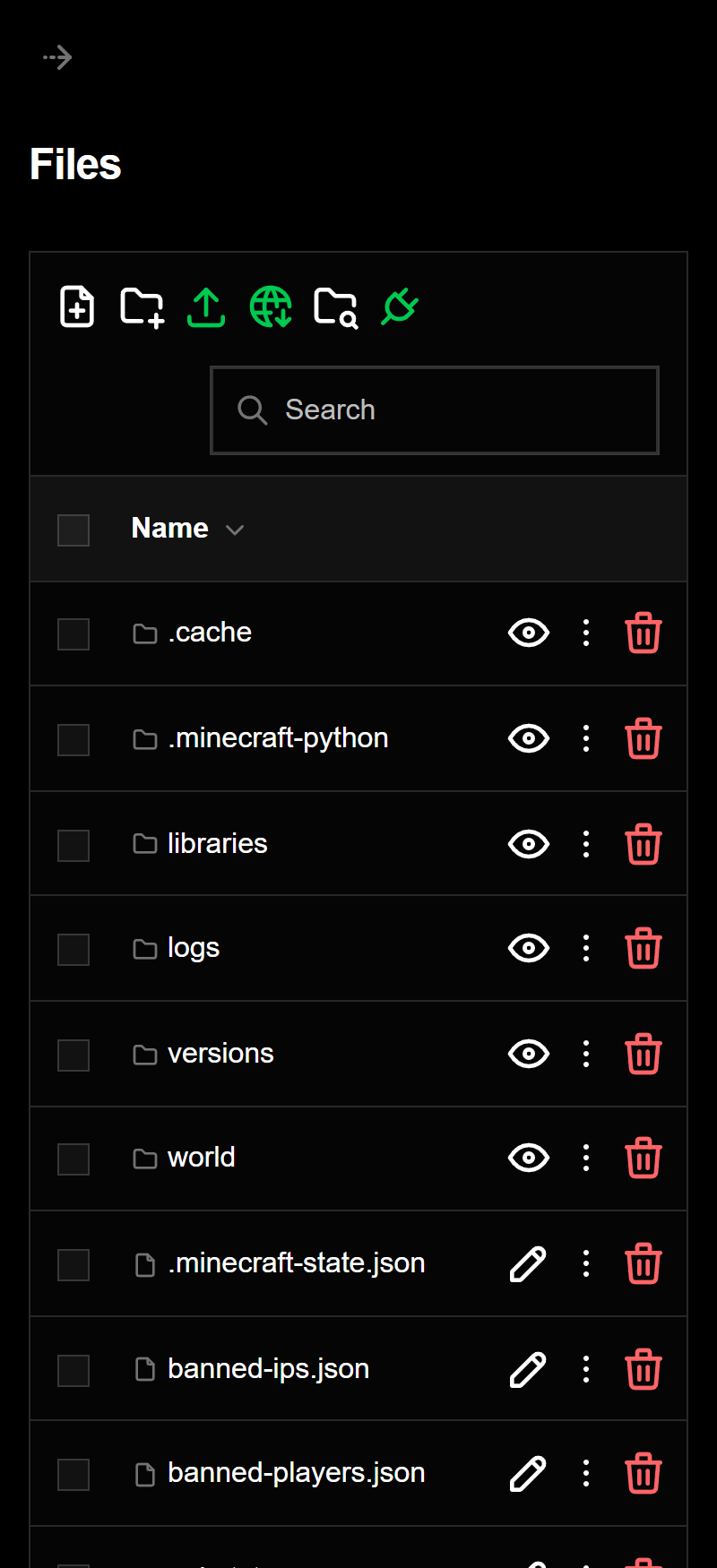
Browse, edit, upload and download your server files right in the panel, or connect over SFTP to bring in your existing world.
FREQUENTLY ASKED QUESTIONS
Game modes, custom maps, private matches, and managing your Team Fortress 2 server.
VIEW ALL FAQSPlans start at $7.99/month with 4 GB RAM, Normal CPU, and unlimited player slots in Dallas or Ashburn. Upgrading to 16 GB RAM adds $19.99/month; 32 GB adds $29.99/month. High CPU adds $4.99/month and Real Time CPU adds $9.99/month. Card payments include a 3% processing fee at checkout.
Your hosting plan has no per-player slot charge. Actual player capacity depends on the game server's settings, compatible plugins, and allocated resources. The hosting plan does not remove the game's own limits.
Run community matches using TF2's maps and game modes, including Payload, Control Points, Capture the Flag, and King of the Hill. You control the map rotation, server settings, and who can join.
Yes. Upload custom maps and compatible server plugins using the panel's file manager or SFTP. Follow each plugin's installation instructions, check its compatibility with the current server version, and keep a backup before making changes.
Yes. Set a player password in your server configuration for private matches, practice, or testing. Keep that password separate from any administrator or RCON credentials.
Team Fortress 2 is free to play on Steam. Players need the game installed to join; your hosting plan pays for the server, separate from any optional in-game purchases.
No. Your dedicated game server runs on 1of1's infrastructure independently of your computer. Manage it through the game panel and give your players its address to connect.
Yes. Transfer your configuration, map rotation, custom maps, and compatible plugins through SFTP. Update settings for the new server address and port, then test the server before inviting your community.
Your Team Fortress 2 server includes 22 Tbps 1OF1Shield DDoS Protection across Layer 3, Layer 4, and Layer 7. We build custom Team Fortress 2 DDoS filters in-house for the game's server traffic.
Launch your Team Fortress 2 server today
