HumanitZ: Headshot Mode, Walkie-Talkies and Server Changes
HumanitZ's Spooky Update adds Headshot Only mode, walkie-talkies and new server settings. Check the wipe guidance and NPC recruitment limits.

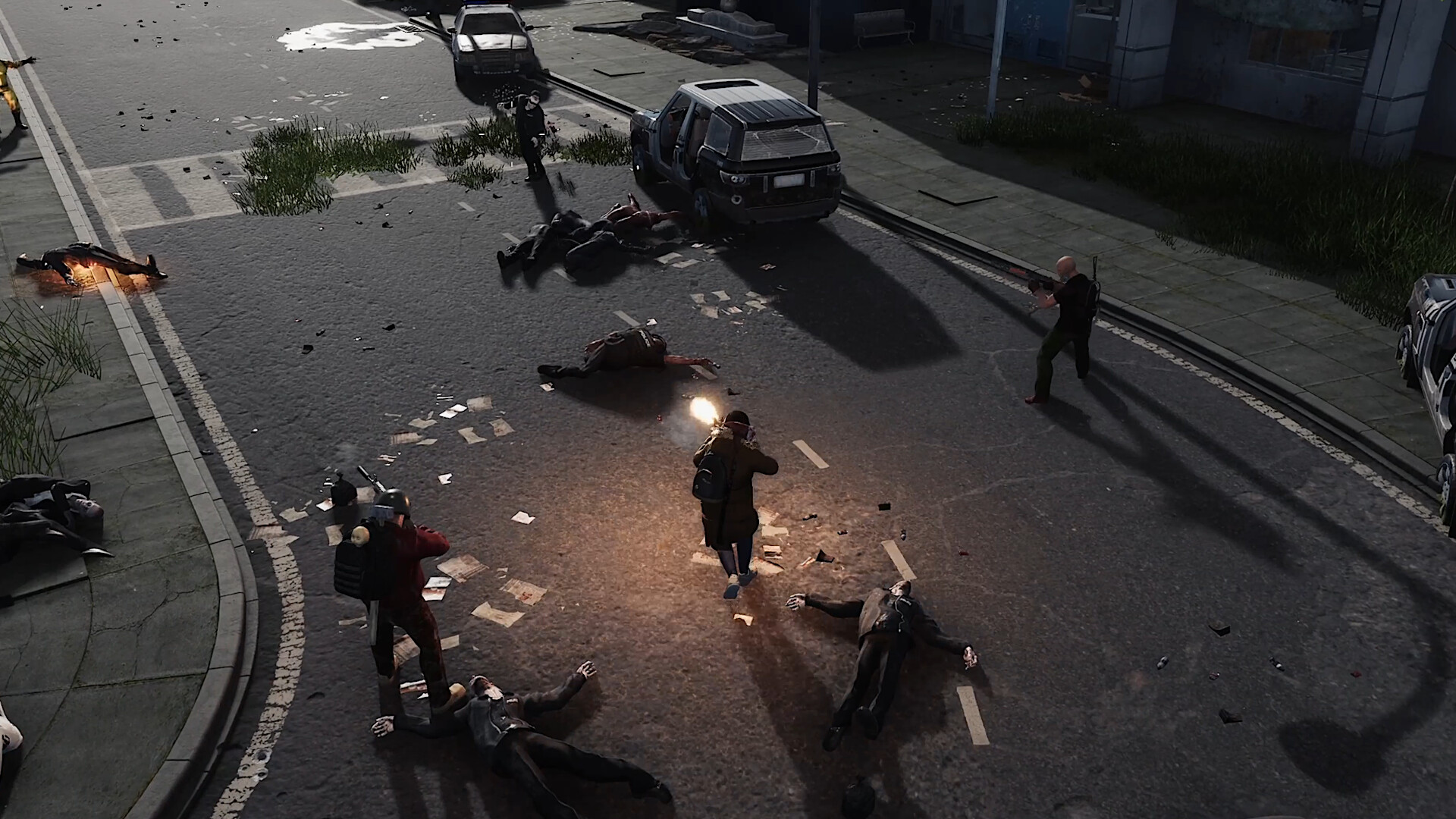
HumanitZ's Spooky Update reached the default branch on October 19, 2026, adding new survival options and ways to communicate. Before moving a community over, pay attention to the developer's save guidance and the distinction between locally hosted play and dedicated servers.
Headshot mode, walkie-talkies and new equipment
The official release notes introduce optional Headshot Only mode, walkie-talkies using matching frequencies, a lever-action rifle and a nail gun. Additional server settings cover weapon durability, vehicle recycling and backpack cleanup.
NPC recruitment is limited to single-player and locally hosted multiplayer. It is not available on dedicated servers. Consider that distinction before choosing how your group will play.
Do you have to wipe your server?
New saves are not mandatory, but the developers strongly recommend a full dedicated-server wipe to accommodate server changes and stability improvements. Official servers were wiped for 1.1. Players coming from Experimental were instructed to return to the default branch.
Our recommendation is to decide on the reset with your players before maintenance. Keep a separate copy of the existing save and settings, and tell the group exactly what you intend to preserve or reset. Do not leave that decision until everyone is waiting to reconnect.
If you retain an existing world, test a copy where possible. Visit a developed base, check stored items and vehicles, and look through the server log before inviting the full group back. A quick test with two regular players can reveal problems an admin-only check misses.
Follow-up: the Halloween event has ended
The later 1.1Z hotfix removed Halloween content. The permanent 1.1 features and the seasonal event should therefore be treated separately when planning a new server.
Choosing your community settings
For a fresh run, agree on the difficulty and recovery rules first. A change that sounds fun in a group chat can feel different after someone loses an evening's progress. Write down your choices so new players know what to expect.
We would also test the intended rules before the launch night, then avoid changing several of them at once. Keeping a small record of configuration changes makes later player reports easier to understand.
Our HumanitZ server hosting page lists the available plans. Choose a location close to your players, prepare the world and settings, and let the group know which game branch to use before they join.